A note on pricing: all prices mentioned in this post are accurate as of the date this article was written, but can change at any time. This includes Squarespace plans, third-party tools, plugins, templates, and any other services referenced. Always check directly with the provider for the most current pricing before committing.
This post contains affiliate links. If you purchase through them, I may receive a small commission at no extra cost to you.
This article was researched and fact-checked for all information provided from primary sources (Squarespace Building a restaurant page, OpenTable blocks help doc, Reservations blocks for Tock help doc, Connecting ChowNow to Squarespace help doc, Code blocks help doc, Squarespace integrations help doc, and Pricing and Plans help doc) and is up to date as of July 2026. AI was not used as a source.
Table of Contents Show
Is Squarespace Good for Restaurant Websites?
Quick Answer: Squarespace is a great option for restaurants that need a polished, professional website with menu display, reservation integrations, and location info. It handles the "digital front door" side of things really well. It doesn't have its own online ordering system, but ChowNow and Allday Ordering integrate natively, and linking out to platforms like DoorDash or Uber Eats is easy and not a problem. Where it could fall short is if online ordering is the primary purpose of your site and you want EVERYTHING in one fully integrated platform (for that, a restaurant-specific platform could serve you better).
KEY FACTS:
Squarespace is an easy drag-and-drop platform
Online ordering requires third-party integrations; some like Allday Ordering and ChowNow have native Squarespace integrations, others require linking out or embedding via code block
OpenTable and Tock both have native Squarespace blocks (no code blocks required)
Squarespace's built-in commerce features (Basic plan and above) are more designed for retail products than restaurant food ordering
Menu display works well using Squarespace's native layout tools; no special plugin needed
The Core plan or above is recommended for most/99.9% of all restaurants (code injection for embeds, no transaction fees on physical products)
A dedicated restaurant template roundup is available at best restaurant Squarespace templates
My Honest Take on Squarespace for Restaurants
If you own a restaurant, café, bakery, or bar, your website has a pretty specific job: tell people your menu, location, hours, and make it easy for them to book a table or place an order. Very few of us are browsing restaurant websites for fun (excluding myself here, but hey). We want to know what you serve, when we can eat it, and how to get there.
Squarespace does a lot of that really well. Your site will look beautiful (Squarespace's design quality is hard to beat for the price), it's easy to update your menu when you swap out seasonal dishes, and your hours and location info are simple to keep current.
Squarespace wasn't built specifically for restaurants, so ordering and reservations work through third-party tools rather than being native features. But those tools integrate really well, and for most restaurants the setup is straightforward. Where it could fall short is if your whole business model depends on a fully integrated ordering and website system in one place.
Plenty of restaurants run great & gorgeous Squarespace sites with successful ordering. But you should go in knowing what Squarespace is capable of and it’s the right fit for your restaurant.
Displaying Your Menu on Your Website
This is one area where Squarespace shines for restaurants, even without a dedicated "menu" feature. You're using the same layout and design tools that make Squarespace sites look polished in general; you're just applying them to your food and drink menus. Here are the main methods to show arguably the most important part of your restaurant website:
Option 1: Build your menu directly on the page
Use Squarespace's text blocks, section layouts, and columns to create a menu that lives right on your site. You can organize by category (Appetizers, Entrées, Desserts, etc.), add descriptions and prices, and style everything to match your brand.
This is my recommended approach for most restaurants. It looks professional, it's easy to update when you 86 something or add a seasonal special, and it's readable on mobile. Plus, search engines can read text on a page, which means your menu items can show up in Google results. (A PDF can't do that nearly as well.) You can also generate a QR code that links diners directly to your menu page, which is handy for table cards or printed materials.
Option 2: Upload a PDF menu
Some restaurants prefer uploading a designed PDF, especially if they already have a beautifully formatted print menu. You can link to the PDF or embed it on a page.
Fair warning though: PDF menus have downsides. They're harder to read on phones (lots of pinching and zooming), Google can't index the content as well as regular text (meaning they’re not as easy to find in a SEO/AI search, so can be harder for people to find), and updating them means re-uploading a new file every time something changes. If your menu changes frequently, this gets old fast.
Option 3: A hybrid approach
Use the text-based page menu for your core offerings (the menu items that doesn't change much) and link to a PDF for things like a seasonal cocktail list or a prix fixe event menu.



Online Ordering on Squarespace
Squarespace doesn't have its own food ordering system, so you'll use a third-party tool for that piece. The good news is the options are solid and the setup isn't complicated.
Two platforms integrate natively with Squarespace: ChowNow (Core plan and above) adds an ordering page directly to your navigation, and Allday Ordering lets you embed a menu with ordering functionality on any page. For platforms like DoorDash or Uber Eats, you just add a button or navigation link that sends customers to your ordering page. It takes about five minutes.
Where Squarespace's own e-commerce falls short for restaurants: it's built for selling products like t-shirts, candles, and prints, not a burrito with substitutions and a 30-minute pickup window. So you wouldn't use Squarespace's built-in store for food ordering. You use it for things like gift cards, merch, or bottled sauces.
When Squarespace might not be the right fit
If online ordering is the PRIMARY purpose of your website; if you're a ghost kitchen, a delivery-focused restaurant, or a spot where 60%+ of your revenue comes from online orders; Squarespace might not be the best foundation. You'd likely be better served by a platform like Square Online, BentoBox, or Toast that has ordering baked into the core product. You could always use Squarespace as your marketing site and run ordering through a dedicated platform, but that's two systems to maintain.
Reservation Integrations
Squarespace doesn't have its own built-in reservation system, but OpenTable and Tock both have native blocks that work really well, and the setup is easy.
OpenTable
If you already use OpenTable (and a LOT of restaurants do), Squarespace has a native OpenTable block available on all four paid plans. Guests can search for available times and book a table without leaving your page. You just need your OpenTable Restaurant ID to get it set up.
You can also just link an OpenTable button to your restaurant's booking page if you prefer a simpler setup.
Tock
If you use Tock (common for tasting menu restaurants, ticketed dining experiences, and higher-end spots), Squarespace has a native Tock reservations block. You’ll connect your Tock account and add the block directly to any page. Clicking it opens a pop-up where visitors enter their info, then continue to Tock to finalize. Worth noting: Tock works with any Squarespace plan, so you don't need to upgrade your site plan just to use it. Tock also handles prepaid reservations and experiences, which works well for prix fixe dinners, wine events, and chef's table bookings.
Resy
Resy currently doesn't have a native Squarespace block, so if you already have a Resy account, the easiest thing to do is adding a "Reserve" button that links out to your Resy page.
A note on Squarespace's Acuity Scheduling
You might be wondering: "Doesn't Squarespace have a scheduling tool?" They do! It's called Acuity Scheduling. But it's built for appointment-based businesses like salons, consultants, and photographers; not restaurant table reservations. You could technically make it work for something like private dining bookings or event space inquiries, but for regular table reservations, stick with OpenTable, Tock, or Resy. That's what they're built for.
Also worth knowing: Acuity is a separate paid add-on. It's not included in any Squarespace plan.
Essential Pages for a Restaurant Website
Beyond the menu, here's what your restaurant site should probably include:
Homepage: Your vibe, your food, and the essential info (location, hours, and a clear "Reserve a Table" or "Order Online" button) all above the fold. Don't make people scroll to find out if you're open.
Menu page: Text-based preferred, organized by category. Keep it updated. (Nothing worse than showing up excited about a dish that was on the website but hasn't been served in three months.)
About page: Your story, your team, your philosophy. This is where personality lives. People love knowing the story behind where they eat.
Location & Hours: Address, map embed, hours of operation, parking info if relevant. Squarespace makes it easy to embed a Google Map directly on the page. Put this on your footer so it’s accessible on every single page.
Contact: Address, Phone number, email, and maybe a simple form for private event inquiries or catering requests.
Reservations/Ordering: Whether it's an embedded widget or a button linking out, make this impossible to miss. Put it in the navigation AND on the homepage.
Events or Private Dining (if applicable): A dedicated page for special events, private dining, or catering keeps that info organized and easy to find.
Which Squarespace Plan Should a Restaurant Choose?
For most restaurants, the Core plan is the sweet spot. Here's why:
Unlimited contributors: Basic only allows 2 contributors, which is fine for a solo operator but falls short fast if you have staff updating hours, uploading menu changes, or managing content. Core gives you unlimited contributors.
Announcement bar and promotional pop-ups: These are Core+ features and genuinely useful for restaurants. Hours changes, holiday closures, limited-time specials, private event announcements; an announcement bar lets you get that information in front of every visitor without rebuilding your homepage.
Code blocks with JavaScript and iframes: If you want to embed any third-party tools on your site, you'll need Core or above. Basic code blocks only support HTML and CSS.
0% transaction fees on physical products: If you sell gift cards, merch, bottled sauces, or anything through Squarespace's built-in commerce, Core has 0% transaction fees on physical products compared to 2% on Basic.
The Basic plan can work if you're a solo operator with a purely informational site and no plans to embed anything or sell products. But most restaurants outgrow it quickly.
Pro Tip: You can start with a Squarespace free trial and build out your full site before committing to a plan. Best way to test whether the platform feels right for your restaurant before spending anything.




What About Templates?
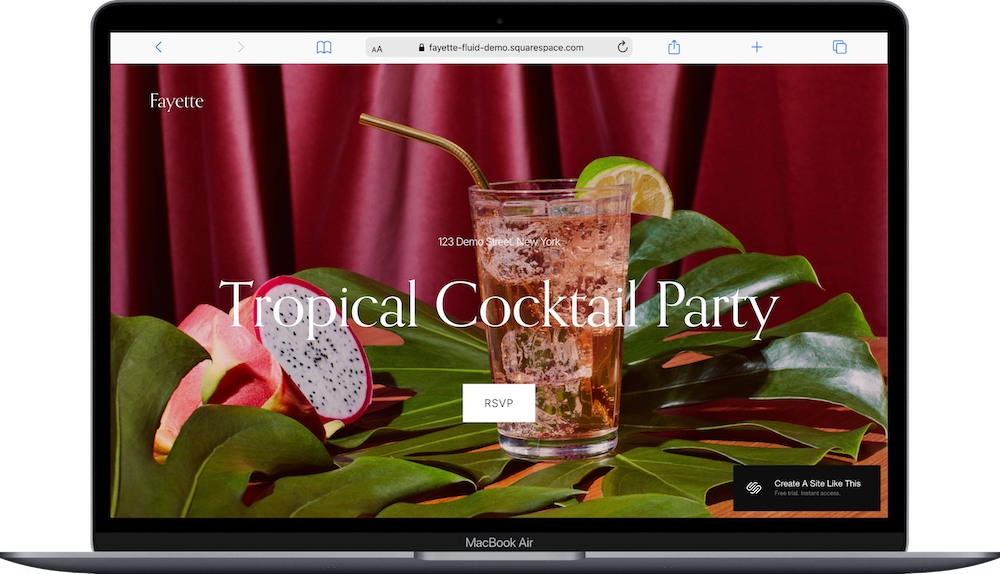
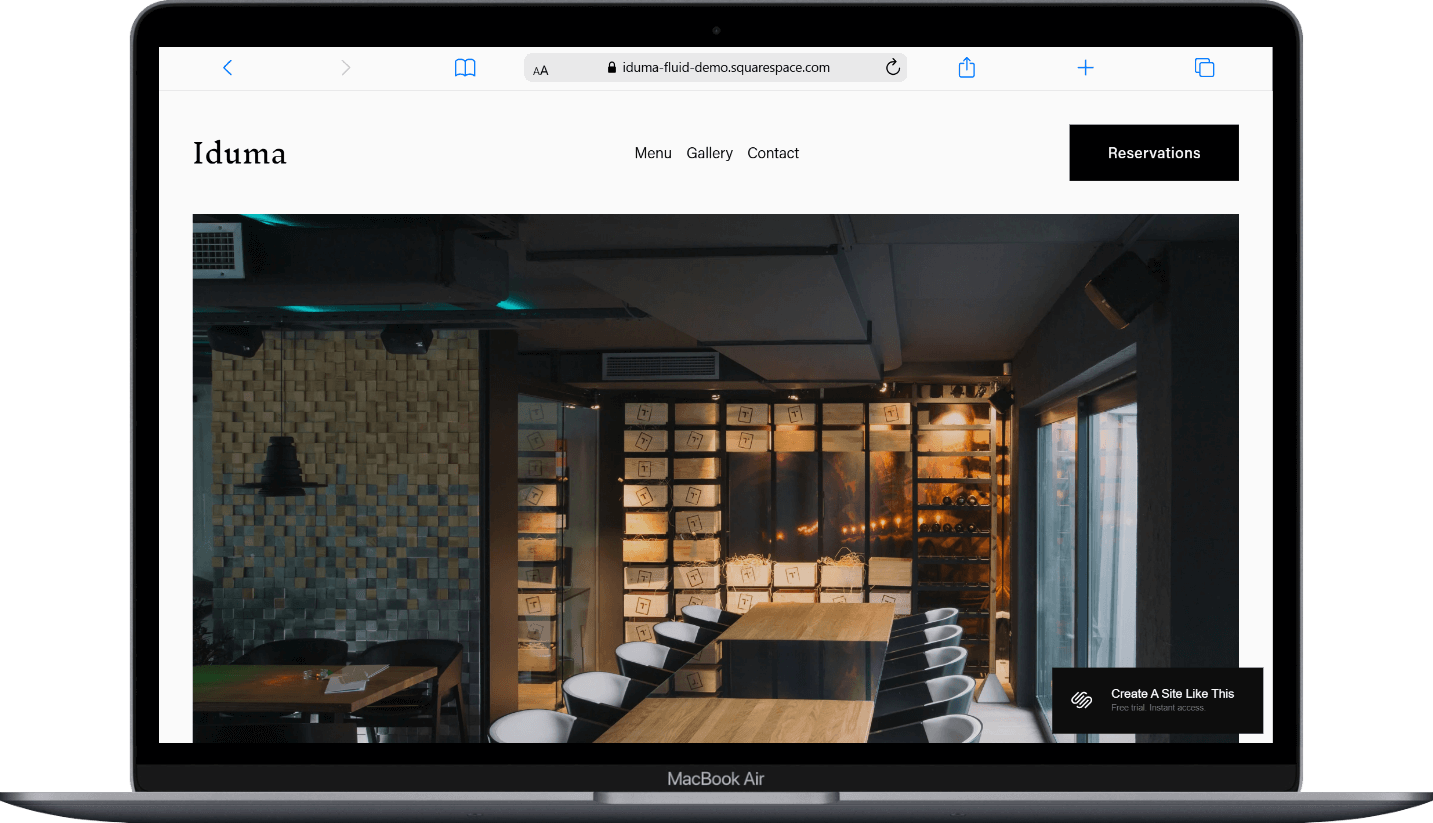
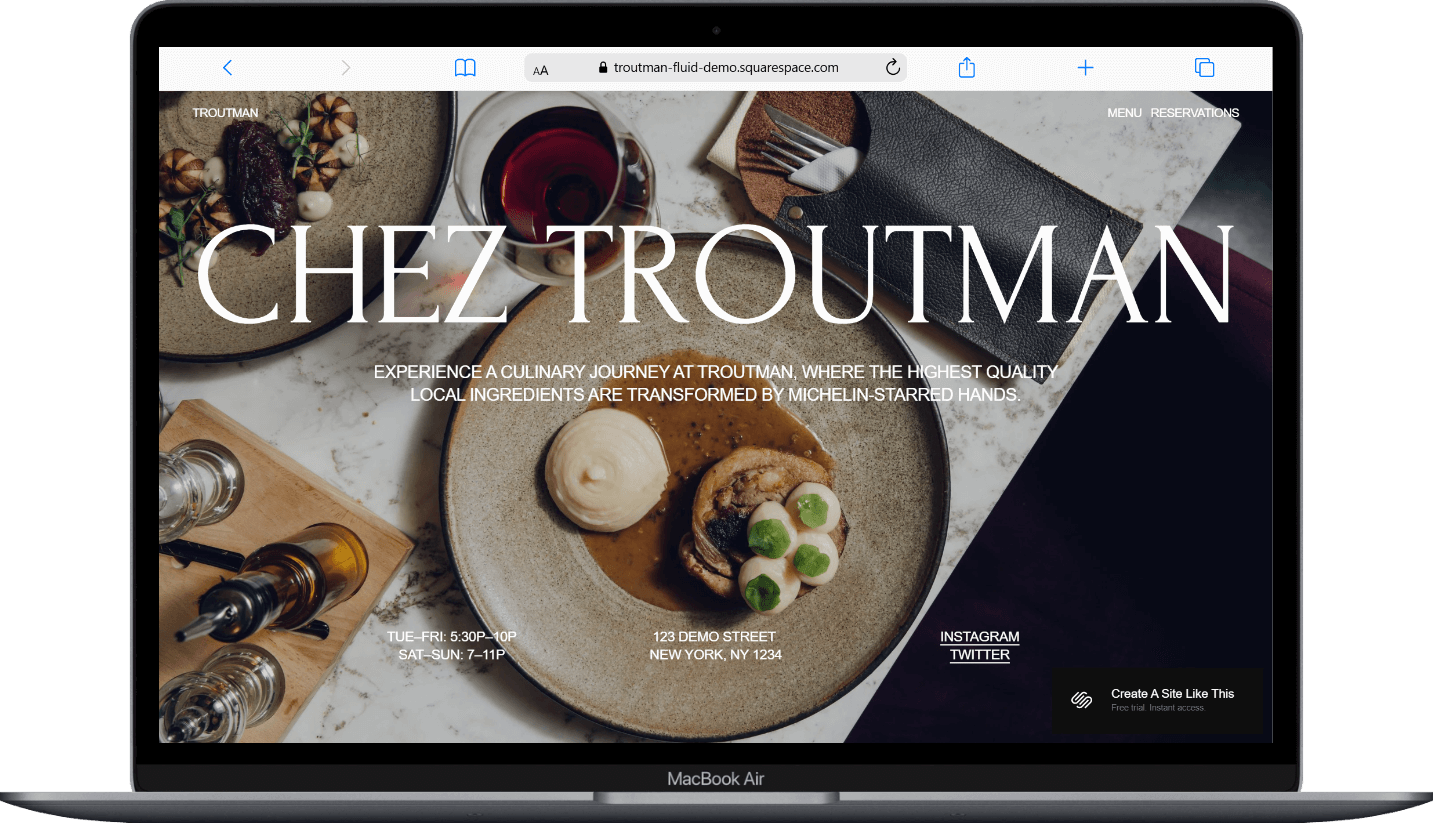
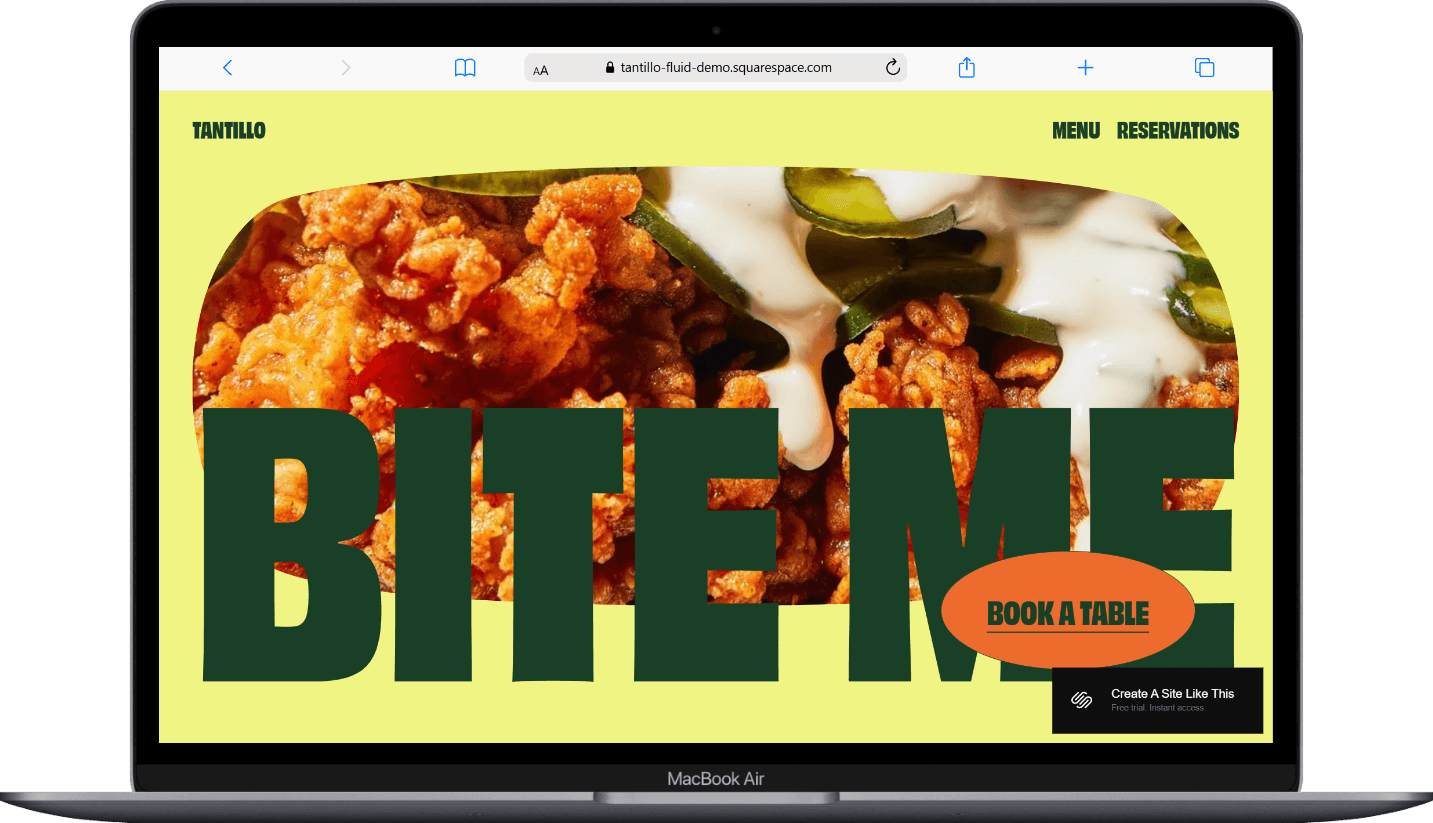
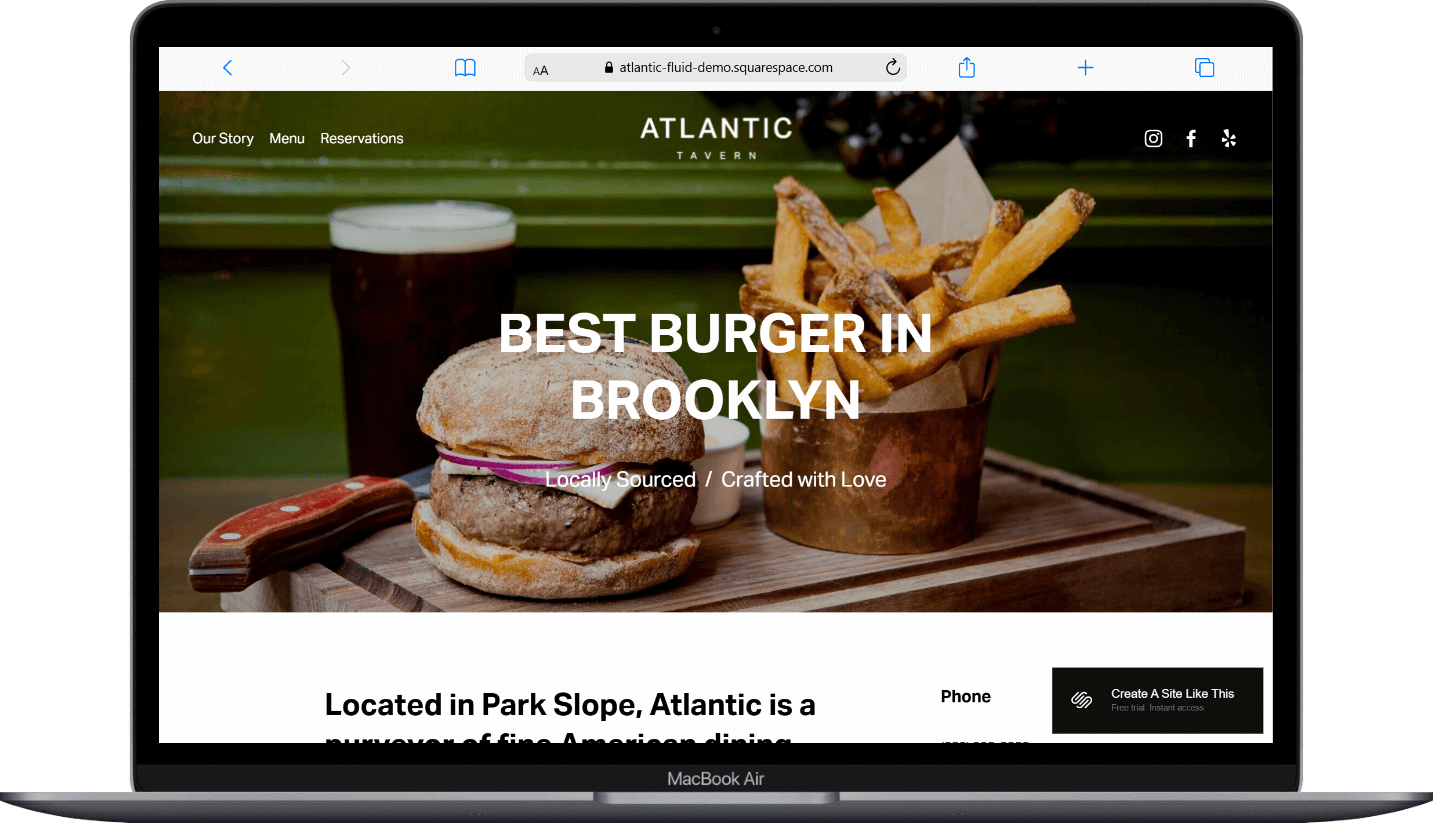
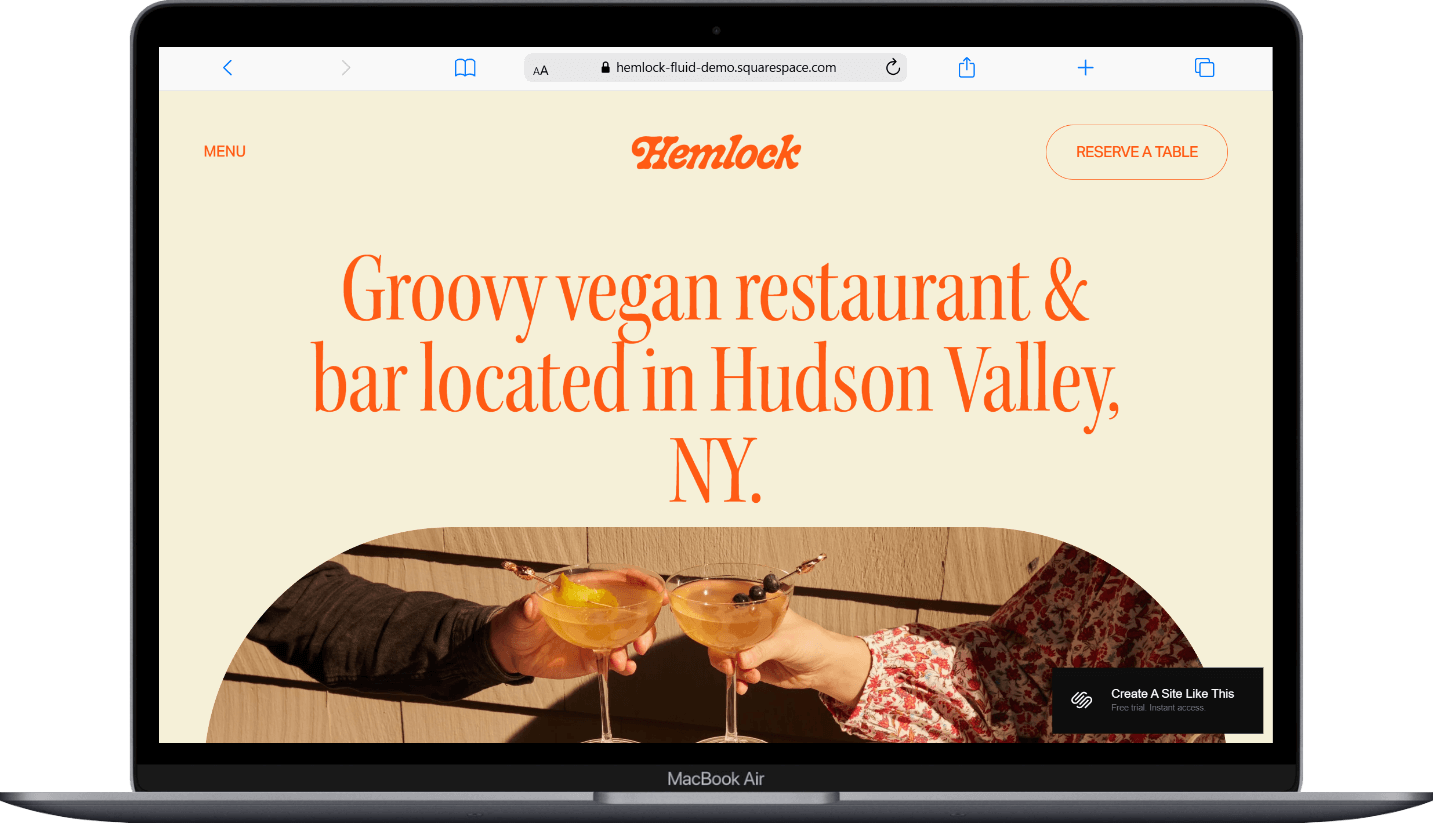
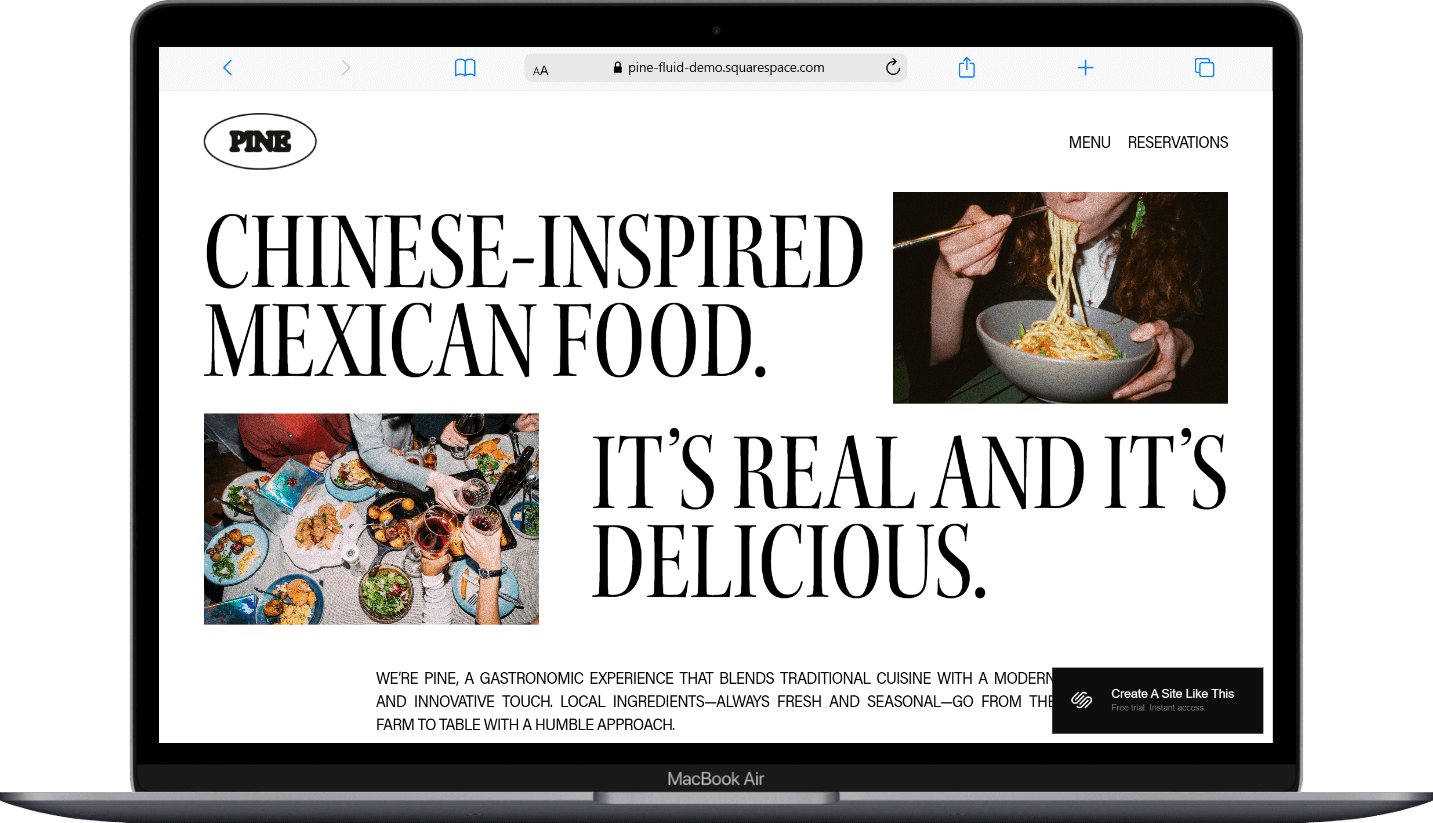
Squarespace has several templates set up for restaurants, cafés, and food businesses. They come pre-structured with pages for menus, locations, reservations, and galleries, which gives you a great head start.
I won't go deep on templates here because I already wrote a full breakdown: best Squarespace templates for restaurants. That post covers the specific templates, what each one is set up for, and which type of restaurant they work best for. If you're in the template-picking phase, start there.
And remember, every Squarespace template is a starting point. You can customize the layout, fonts, colors, and pages to match your restaurant's brand regardless of which one you pick.
If you want something more distinctive than Squarespace's built-in options, third-party template shops like Applet Studio and Big Cat Creative have some beautiful options that go further on design customization.
So Is Squarespace Right for Your Restaurant’s Website?
Squarespace is a genuinely great choice if your restaurant website's primary job is to look professional, display your menu, show your location and hours, and connect people to your reservation or ordering system (even if that system lives somewhere else).
It's not the best choice if online ordering is the core of your business model and you want everything in one platform. For that, a restaurant-specific platform or a dedicated ordering system as your primary site would serve you better.
For most dine-in restaurants, cafés, bars, bakeries, and food trucks that want a polished web presence with integrations to handle the operational stuff, Squarespace handles it well and you really couldn’t use a better platform, IMO.



Frequently Asked Questions
Can you build a restaurant website on Squarespace?
Yep, and a lot of restaurants do. Squarespace gives you everything you need for the informational side of a restaurant website: menu display, location and hours, photo galleries, about pages, and contact forms. OpenTable and Tock have native Squarespace blocks for reservations. For ordering, ChowNow and Allday Ordering integrate natively, or you can link out to a platform like DoorDash or Uber Eats. But the website itself, Squarespace makes it look great, it's easy to update when your menu changes, and it works well on mobile (which matters a LOT since most people are looking up restaurants on their phones).
Does Squarespace have online ordering for restaurants?
Not natively. Squarespace's own e-commerce features are built for selling products like retail items, not food orders with customizations and pickup times. But ChowNow (available on Core and above) and Allday Ordering integrate natively with Squarespace for online ordering, and linking out to platforms like DoorDash or Uber Eats is extremely simple. For other platforms like Toast, you can try embedding via a code block on Core and above, though Squarespace doesn't officially support those integrations, or add a button that links customers out to the ordering platform. Both ways work, but it's an additional cost and an extra tool to manage on top of your Squarespace subscription.
How do I add OpenTable reservations to my Squarespace site?
Squarespace has a native OpenTable block available on all four paid plans. Add it to your reservations page, your homepage, or your footer; you just need your OpenTable Restaurant ID to connect it. If you prefer a simpler setup, you can add a "Reserve a Table" button that links out to your OpenTable listing instead.
What Squarespace plan is best for a restaurant website?
The Core plan is the best fit for most restaurant websites. It gives you code injection access (which you'll likely want for embedding reservation widgets, or ordering tools), 0% transaction fees on physical products if you're selling gift cards or merch, and more detailed analytics to track where your visitors are coming from. The Basic plan can work if your site is purely informational and you don't need to embed any third-party tools, but most restaurants end up wanting at least one integration that benefits from code injection. You can try Squarespace free to build your site and test it out before choosing a plan.
Can I use Squarespace's Acuity Scheduling for restaurant reservations?
Not really, no. Acuity Scheduling is Squarespace's appointment booking tool, but it's built for service-based businesses like salons, consultants, and photographers. It's set up around one-on-one appointments, not table management for a dining room. You could technically use it for something like private dining inquiries or booking a catering consultation, but for regular table reservations, you're much better off with a restaurant-specific platform like OpenTable, Tock, or Resy. Also worth knowing: Acuity is a separate paid add-on on top of your Squarespace subscription. It's not included in any Squarespace plan.
Is Squarespace better than a restaurant-specific platform like BentoBox or Toast?
It depends on what your restaurant needs most. Squarespace is better for design quality, flexibility, and cost if your primary goal is a beautiful website that displays your menu, tells your story, and links out to third-party tools for ordering and reservations. Restaurant-specific platforms like BentoBox or Toast are better if you want online ordering, reservations, and your website all in one integrated system without workarounds. The tradeoff is that restaurant-specific platforms tend to be more expensive and give you less design flexibility. A lot of restaurants use both: Squarespace as the main website for branding and information, and a dedicated platform for the ordering and reservation functionality.

