Squarespace vs WordPress 2026
This post contains affiliate links. If you purchase through them, I may receive a small commission at no extra cost to you.
A note on pricing: all prices mentioned in this post are accurate as of the date this was written, but can change at any time. This includes Squarespace plans, third-party tools, plugins, templates, and any other services referenced. Always check directly with the provider for the most current pricing before committing.
Table of Contents Show
Is Squarespace or WordPress better in 2026?
Quick Answer: It depends on who you are and what you need. Squarespace is the better choice for most solopreneurs, small business owners, and creatives who want to build and manage their own website without hiring a developer or dealing with ongoing maintenance. WordPress (self-hosted) is better if you need deep customization, have a developer on hand, or are running a complex site with very specific functionality. Neither is universally "better." They solve different problems for different people.
KEY FACTS:
Squarespace plans start at $16/month (billed annually) and include hosting, SSL, templates, and support
WordPress software is free, but hosting ($5-$150/month), themes ($0-$200), and plugins ($0-$300+/year) add up; realistic Year 1 cost for a small business is $200-$500+ DIY
WordPress powers roughly 40% of the web; Squarespace powers about 3%
Squarespace handles all security updates, backups, and hosting automatically; WordPress requires you (or your host) to manage updates for core software, themes, and plugins
WordPress has 60,000+ plugins; Squarespace has around 40 extensions (plus a lot more from third-party shops)
Both platforms handle basic SEO well; addtionally Squarespace users can use SEOSpace (a third-party plugin), and WordPress offers more advanced control via plugins like Yoast or RankMath
Squarespace ecommerce is built in on every plan; WordPress uses WooCommerce (free plugin, but add-ons cost money)
If you've been Googling "Squarespace vs WordPress" you've probably noticed that every comparison article says something slightly different. Some declare Squarespace the winner. Some say WordPress is the obvious choice. Most of them do a feature-by-feature breakdown that reads like a spreadsheet and still doesn't tell you what to actually pick.
So instead of doing the same thing, I want to walk through this based on who you are and what you're trying to do. Because the honest answer isn't "Platform X is better." It's "Platform X is better *for you*, given your situation."
First: WordPress.com vs WordPress.org (quick but important)
Before anything else, this needs a brief mention because it trips people up constantly.
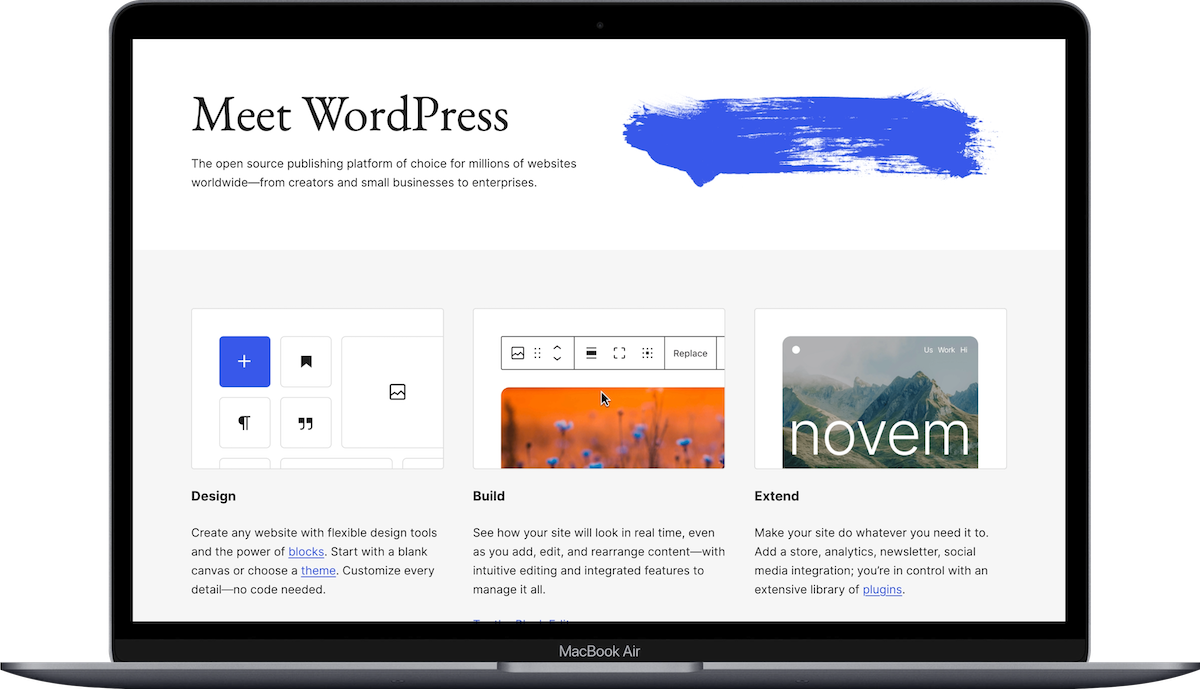
When most people say "WordPress," they mean WordPress.org; the self-hosted, open-source version where you download the software, find your own hosting, and build everything yourself (or hire someone to). That's what this comparison is about.
WordPress.com is a separate, hosted platform (owned by Automattic) that works more like Squarespace; it handles hosting for you, but limits what you can do unless you're on their higher-tier plans. It's a different product with different pricing and different limitations.
If someone recommended WordPress to you and you're not sure which one they meant, they almost certainly meant WordPress.org. That's the version with 60,000+ plugins, full customization, and the learning curve to match.
Are you building your website yourself?
This is the single most important question, and it's the one most comparison articles skip.
If you're a solopreneur or small business owner who is building and maintaining your own website, Squarespace is going to be dramatically easier. The entire platform is designed for people who aren't developers. You pick a template, drag things around, add your content, and publish. Hosting, security, SSL certificates, software updates; all handled for you. You don't think about any of it.
WordPress, on the other hand, requires you to:
Find and pay for web hosting (something like Bluehost or a managed WordPress host)
Install WordPress on that hosting
Choose and install a theme
Install plugins for basically everything (SEO, security, contact forms, backups, spam filtering)
Keep all of those plugins, your theme, AND WordPress core software updated regularly
Troubleshoot when plugins conflict with each other (and they will, eventually)
None of that is impossible to learn. But it takes time, and it takes ongoing attention. If a plugin update breaks something at 11pm on a Tuesday, that's on you to fix. With Squarespace, you never deal with any of that.
If you have a developer or a team, WordPress's complexity becomes a strength. A skilled developer can build essentially anything on WordPress. Custom post types, complex database queries, membership sites with layered permissions, multi-language setups; the ceiling is basically nonexistent. Squarespace has a ceiling. It's a high ceiling for most small businesses, but it's there.
What's your budget?
In my experience, WordPress is "free" in the way that adopting a puppy is "free."
Squarespace pricing is predictable. You pay $16-$99/month (billed annually) depending on your plan, and that includes everything: hosting, SSL, templates, customer support, and basic ecommerce. You’ll need to get your own domain ($12-$20/year). Then the Basic plan is $16/month. The Core plan (which most small businesses end up on) is $23/month. No surprise costs.
WordPress's costs stack up. Here's what a realistic Year 1 looks like for a small business doing it themselves:
Domain name: $12-$20/year
Hosting: $60-$240/year (shared) or $300-$1,800/year (managed)
Premium theme: $0-$200
Essential plugins (SEO, security, backups, forms, anti-spam): $0-$300+/year
Realistic total: $200-$500+ if you DIY everything
And if you hire a WordPress developer to build your site, add $1,000-$5,000+ on top of that for the initial build, plus ongoing maintenance costs.
Squarespace isn't the cheapest option out there. But it's the most predictable. You know exactly what you're paying, and there are no hidden costs lurking behind plugin subscriptions or hosting tier upgrades.
What about SEO?
"Is Squarespace or WordPress better for SEO?" is one of the most common questions I see, and the answer is more nuanced than most articles make it sound.
Both platforms handle the fundamentals well. Title tags, meta descriptions, heading structure, image alt text, clean URLs, mobile responsiveness, SSL; you can do all of that on either platform. For the vast majority of small business websites, Squarespace's built-in SEO tools are more than sufficient. And if you want more control on Squarespace, tools like SEOSpace (a Squarespace-specific SEO plugin) can give you additional features like keyword tracking, content analysis, and audit tools.
Where WordPress pulls ahead is advanced SEO. Plugins like Yoast and RankMath give you granular control over things like schema markup, XML sitemaps, canonical URLs, redirect management, and structured data. If you're running a content-heavy site with hundreds or thousands of pages and you need fine-tuned technical SEO control, WordPress gives you more levers to pull.
But most small business websites don't need those advanced levers. If you have a 5-15 page website with a blog, Squarespace's SEO capabilities are solid. The things that actually move the needle for small businesses; quality content, good site structure, fast load times, and being connected to Google Search Console; work equally well on both platforms.
Do you sell products?
Squarespace has ecommerce built into every plan. Even the Basic plan lets you sell products (physical, digital, services, gift cards). The Core plan and above remove the additional transaction fee. The shopping experience is clean, the checkout is polished, and for most small shops selling under a few hundred products, it works well.
WordPress uses WooCommerce, which is a free plugin. It does need extensions for almost everything beyond the basics. Payment gateways, shipping calculators, tax automation, subscription products; each of those is often a separate plugin, and many of them cost money. WooCommerce is incredibly powerful. It can handle thousands of products, complex inventory, wholesale pricing, and multi-vendor marketplaces.
If you're selling a handful of products alongside your service-based business, Squarespace handles that beautifully. If you're building a full online store with 500+ products, complex variants, and wholesale needs, WordPress with WooCommerce (or honestly, Shopify) might be the better call.
Do you need a blog?
WordPress was literally built as a blogging platform, and it still shows. The content management system is robust: categories, tags, custom post types, scheduling, revision history, author management, and soooo many plugins for everything from related posts to content calendars. If you're running a content-heavy site with hundreds of blog posts, multiple authors, and a complex editorial workflow, WordPress has the edge.
Squarespace's blogging tools are solid but simpler. You get categories, tags, scheduling, multiple authors, and a nice visual editor. For most solopreneurs and small businesses publishing a few posts a month, it works great. But if blogging is the PRIMARY purpose of your site (like, you're building a media company or a content-first business), WordPress gives you more room to grow.
What about design and customization?
Squarespace websites, especially if you use a free or premium template, look pretty great right out of the box. That's one of the platform's biggest strengths. You can customize colors, fonts, layouts, and spacing without touching any code. And if you want to go further, you can add custom CSS or use plugins from places like SparkPlugin or Will Myers to extend what Squarespace can do.
That said, Squarespace templates are "generic" in the sense that thousands of other people are starting with the same templates you are. For most small businesses, customizing colors, fonts, and imagery is enough to make it feel like yours. But if you want something truly distinctive, third-party template shops like Big Cat Creative, Kseniia Design, or Studio Mesa offer more unique starting points.
WordPress has virtually unlimited design flexibility, but it depends entirely on your theme and your technical ability (or your developer's). A well-built WordPress theme can look incredible. A poorly chosen one can look outdated, load slowly, and cause security issues. The range is enormous.
What about support when something breaks?
Squarespace has 24/7 customer support via email and live chat. You can also reach out on social media. When something isn't working, you contact Squarespace and they help you. Their support has gotten less amazing in the last few years, but they do still have a good support team.
WordPress has no centralized support. Your hosting company supports hosting issues. Your theme developer supports theme issues. Each plugin developer supports their own plugin. And WordPress.org itself has community forums, but no dedicated support team. If something breaks because of a plugin conflict (which is common), you might end up going back and forth between three different support channels trying to figure out whose problem it is.
The summary: pick based on who you are
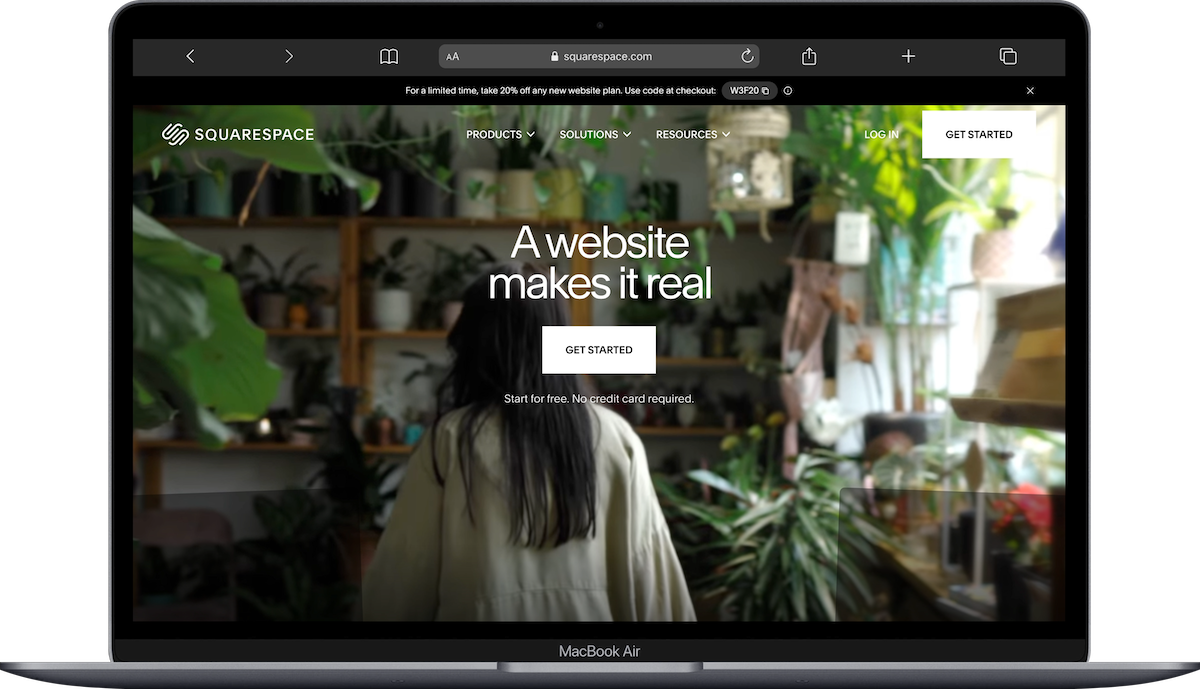
Squarespace could be the right fit if you:
Are building and managing your own website
Want predictable monthly costs with no surprise expenses
Have a service-based business, creative practice, or small shop
Want something that looks professional without needing a designer or developer
Don't want to think about hosting, security updates, or plugin conflicts
Value having one point of contact for support
→ Start a free 14-day Squarespace trial here and see how it feels.
And WordPress could be the right fit if you:
Have a developer (or ARE a developer) and want full control over every detail
Are building a complex site with specific functionality Squarespace can't do
Need advanced ecommerce with hundreds or thousands of products
Are running a content-heavy, multi-author publication
Want access to 60,000+ plugins for any feature you can think of
Are comfortable managing updates, security, and hosting yourself
And one more honest note: if you're currently on WordPress and it feels like too much; if you're spending more time managing your website than actually running your business; migrating to Squarespace might be worth considering. It won't do everything WordPress can do, but for a lot of small business owners, it does everything they *actually need* with a fraction of the headache.
Neither platform is wrong. They're just built for different people.
Frequently Asked Questions
Is Squarespace or WordPress better for a small business?
For most small businesses, especially service-based businesses managed by the owner, Squarespace is the easier and more cost-effective choice. It includes hosting, security, templates, and support in one monthly fee starting at $16/month. WordPress offers more flexibility but requires managing hosting, plugins, and updates separately, which adds both cost and time.
Is Squarespace better than WordPress for SEO?
Both platforms handle fundamental SEO well, including title tags, meta descriptions, alt text, clean URLs, and mobile responsiveness. WordPress has an edge in advanced technical SEO thanks to plugins like Yoast and RankMath that offer granular control over schema markup, sitemaps, and redirects. For most small business websites with under 50 pages, Squarespace's built-in SEO tools are more than sufficient.
How much does WordPress really cost compared to Squarespace?
Squarespace costs $16-$99/month (billed annually) with everything included. WordPress software is free to download, but hosting ($5-$150/month), a premium theme ($0-$200), and essential plugins ($0-$300+/year) add up to a realistic Year 1 cost of $200-$500+ for a small business doing it themselves. Hiring a developer adds $1,000-$5,000+ on top of that.
Do professionals use Squarespace?
Yes. Squarespace is widely used by professional photographers, designers, restaurants, coaches, musicians, consultants, and small business owners. It's a polished platform with professional-grade design templates and built-in ecommerce. Where it's less common is among large enterprises or highly technical businesses that need the deep customization WordPress (or custom-built platforms) provide.
Is it worth switching from WordPress to Squarespace?
It depends on why you're considering the switch. If you're spending more time managing WordPress updates, plugin conflicts, and hosting issues than you are running your business, Squarespace can simplify your life significantly. You'll lose some advanced customization and plugin options, but you'll gain predictable costs, automatic updates, and centralized support. For many solopreneurs and small business owners, that tradeoff is well worth it.
Is Squarespace good for ecommerce compared to WordPress?
Squarespace has ecommerce built into every plan and handles physical products, digital downloads, services, and gift cards well out of the box. It's a great fit for small shops selling under a few hundred products. WordPress uses WooCommerce, which is more powerful and scalable for large inventories and complex setups, but requires additional plugins (many paid) for features like advanced shipping, subscriptions, and tax automation.

