Squarespace vs Webflow 2026: Which Is Better?
This post contains affiliate links. If you purchase through them, I may receive a small commission at no extra cost to you.
A note on pricing: all prices mentioned in this post are accurate as of the date this article was written, but can change at any time. This includes Squarespace plans, third-party tools, plugins, templates, and any other services referenced. Always check directly with the provider for the most current pricing before committing.
Table of Contents Show
Should you use Squarespace or Webflow for your business website?
Quick Answer: For most solopreneurs and small business owners, Squarespace is the more practical choice; it's easier to learn, includes ecommerce and email marketing on every plan, and starts at $16/month with everything bundled in. Webflow is the more powerful design tool, offering pixel-level control and custom animations, but it comes with a steeper learning curve and a pricing structure that can get confusing fast (site plans, workspace plans, and ecommerce plans are all billed separately). If you're a designer or developer who wants total creative control, Webflow might be worth the complexity. If you want to build a professional site and get back to running your business, Squarespace is probably your move.
KEY FACTS:
Squarespace plans start at $16/month (Basic) and go up to $99/month (Advanced); all plans include hosting, SSL, and templates
Webflow site plans start free (1 page, Webflow branding) with paid plans from $14/month (Basic, static only) to $39/month (Business); ecommerce plans are separate and start at $29/month
Webflow also charges separately for workspace plans (starting at $16/month/seat), meaning your total cost can be significantly higher than the sticker price
Squarespace includes built-in ecommerce on every plan; 0% transaction fees on Core ($23/month) and above
Squarespace offers 24/7 email support and live chat; Webflow offers community forums and email support (no live chat on lower tiers)
Squarespace has ~200 templates; Webflow has 100+ templates but far deeper customization tools
Both platforms include hosting and SSL certificates
First, a note about most comparison articles
If you've been Googling "Squarespace vs Webflow," you've probably noticed that most of the articles ranking on page one are written by either Webflow agencies (who sell Webflow builds) or by the platforms themselves. So the comparison is rarely neutral.
I'm a Squarespace designer, so I have my own bias and I want to be upfront about that. But I've also spent enough time poking around Webflow to know what it does well and where it genuinely outshines Squarespace. My goal here isn't to convince you that one platform is universally better. It's to help you figure out which one makes sense for YOUR situation, based on what you need, what you're comfortable with, and how much time and money you want to spend.
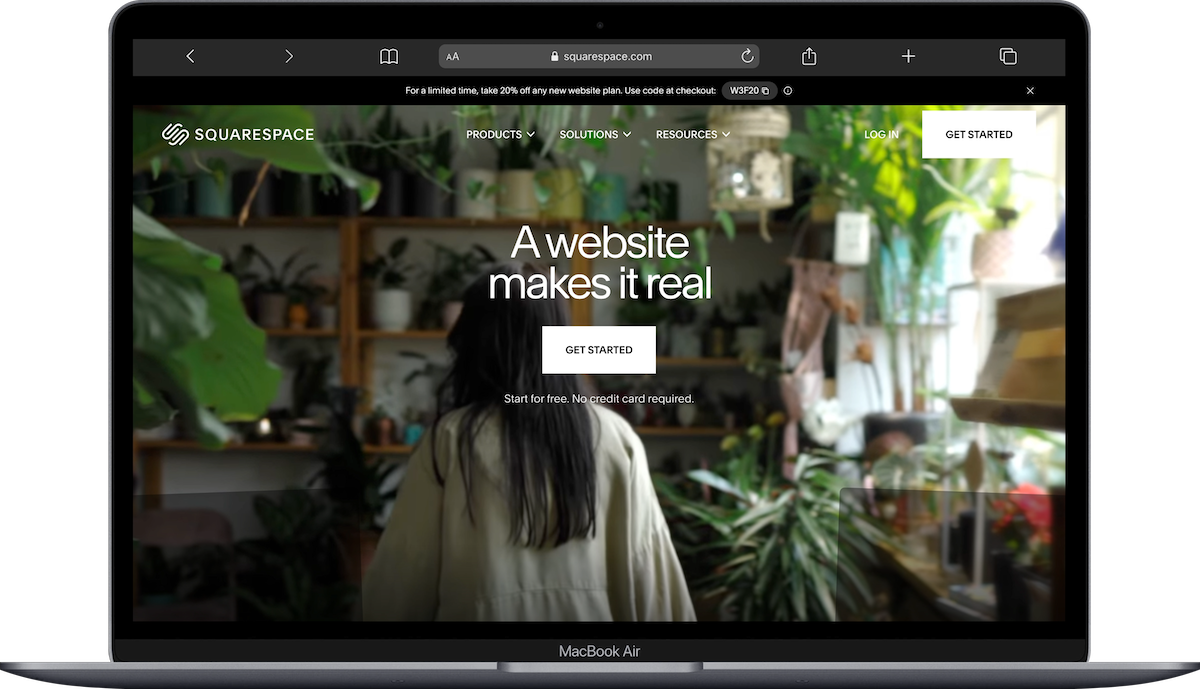
Who should use Squarespace?
Squarespace is built for people who want a polished, professional website without needing to understand how websites work under the hood. That includes:
Solopreneurs and small business owners who want to build (or update) their own site
Service providers like coaches, consultants, photographers, and therapists who need a few key pages and want to look legit
Small shops selling physical or digital products who want ecommerce included from the start
Creatives who want a great-looking portfolio without a steep learning curve
Anyone who values their time and doesn't want to spend weeks learning a new platform
Squarespace bundles EVERYTHING into one subscription: hosting, SSL, templates, ecommerce, email campaigns, scheduling (through Acuity), member areas, and analytics. You pick a plan, you pick a template, and you start building. The editorial interface is drag-and-drop, and while it takes some getting used to, most people can have a working site within a few days.
The tradeoff? You're working within Squarespace's design system. You can customize colors, fonts, layouts, spacing, and a lot more than people realize; but you can't build literally anything you can imagine the way you could in Webflow. For most businesses, this is totally fine. For some, it's a dealbreaker.
Who should use Webflow?
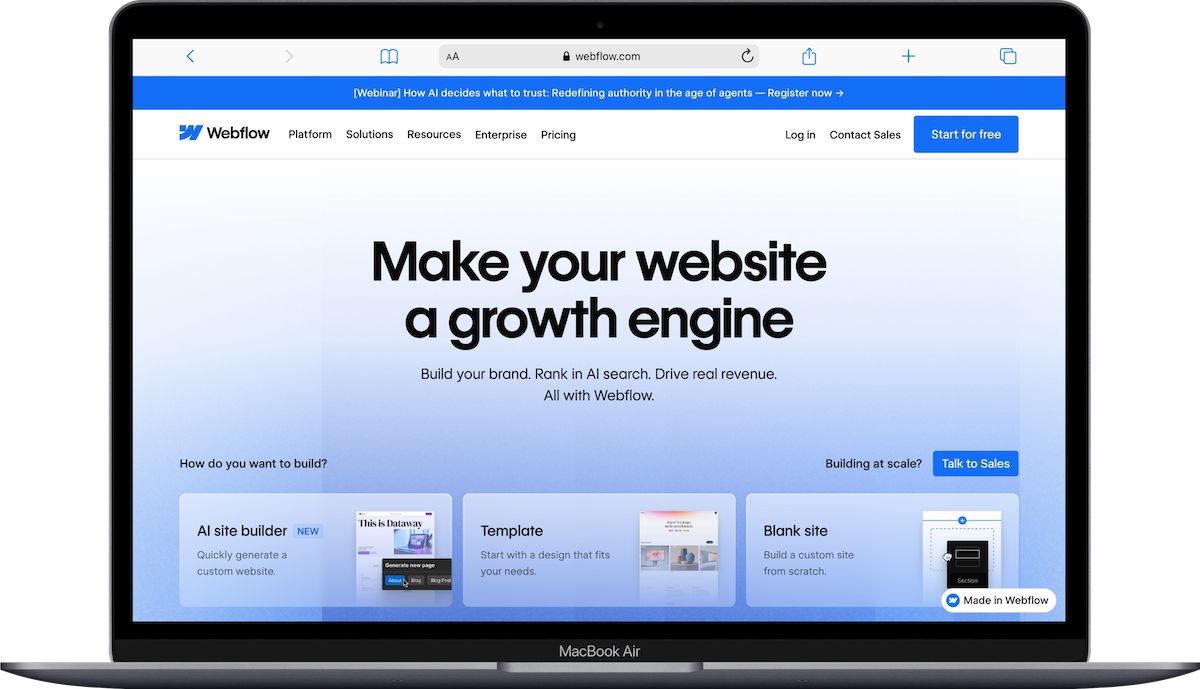
Webflow is built for designers and developers who want complete creative control. It's closer to a visual coding tool than a traditional website builder. That makes it powerful, but it also means:
Designers and agencies who build websites for clients and want pixel-level precision will love it
Developers who want cleaner code output and more technical SEO controls (custom schema markup, robots.txt editing, etc.) will appreciate what's under the hood
Brands with complex animation or interaction needs can build things in Webflow that simply aren't possible in Squarespace
Teams with a dedicated web person who can maintain and update the site ongoing
Webflow's learning curve is significantly steeper. This isn't marketing language; it's a genuine heads-up. If you're not already comfortable with concepts like flexbox, CSS grid, classes, and responsive breakpoints, you'll spend a LOT of time learning before you can actually build what you want. Webflow University (their free learning platform) is excellent, but you're still looking at weeks to get truly comfortable.
The design freedom is real, though. If you've ever been frustrated by a Squarespace layout not doing exactly what you want, Webflow basically removes that ceiling entirely.
Pricing: Squarespace vs Webflow
Squarespace pricing (billed annually)
Basic: $16/month - includes ecommerce (with 7% transaction fee), SSL, hosting, templates
Core: $23/month - 0% transaction fees, customer accounts, advanced analytics
Plus: $39/month - advanced shipping, subscriptions, lower payment processing rates
Advanced: $99/month - advanced commerce features, custom API access
One plan. One bill. Everything included.
Webflow pricing (billed annually)
Here's where it gets a little tangled. Webflow has THREE separate pricing categories:
Site plans (per site):
Starter: Free (1 page, Webflow branding, very limited)
Basic: $14/month (static sites only; no CMS, no ecommerce)
CMS: $23/month (up to 2,000 CMS items)
Business: $39/month (up to 10,000 CMS items)
Ecommerce plans (per site, separate from above):
Standard: $29/month
Plus: $74/month
Advanced: $212/month
Workspace plans (per seat, separate from both of the above):
Freelancer: $16/month per seat
Core: $19/month per seat
Growth: $35/month per seat
So if you want a Webflow site with a CMS and ecommerce, you could be looking at $23 (CMS plan) + $29 (ecommerce) + $16 (workspace) = $68/month minimum. Compare that to Squarespace's Core plan at $23/month, which includes all of that in one price.
To be fair, if you just need a simple static site (like a basic portfolio or landing page), Webflow's Basic plan at $14/month is slightly cheaper than Squarespace's Basic at $16/month. But the moment you need a blog, CMS, or ecommerce, the costs add up quickly.
Ease of use
This one isn't close. Squarespace is significantly easier for most people.
Squarespace's editor works the way you'd expect: click on something, edit it, drag things around, preview, publish. There's a learning curve (especially if you've never built a website before), but it's measured in hours and days, not weeks.
Webflow works more like a visual design tool; think Figma meets a code editor. You're manipulating actual CSS properties (margins, padding, display types, positioning) through a visual interface. If you have a design or development background, this feels incredible. If you don't, it feels overwhelming.
I've seen this play out with clients over and over: someone chooses Webflow because they read that it's "more flexible," spends three weeks trying to make a basic services page, and then switches to Squarespace out of frustration. That's not a knock on Webflow; it's just the wrong tool for someone who wants to DIY their site and get on with their life.
Ecommerce: Squarespace vs Webflow
Squarespace includes ecommerce tools on every single plan. Even the $16/month Basic plan lets you sell products (with a 7% transaction fee. Ahem. But still.). On Core and above, there are zero transaction fees, plus features like customer accounts, advanced product options, and inventory management.
Webflow's ecommerce requires a separate ecommerce plan starting at $29/month, and that's ON TOP of your site plan. The ecommerce tools themselves are solid; you get a product catalog, checkout flow, and order management. But Squarespace has been doing ecommerce longer and has more built-in features at lower price points: abandoned cart recovery, gift cards, subscriptions, and product reviews are all available without third-party tools.
If you're running a small online shop or selling a few digital products alongside your services, Squarespace is the more turnkey ecommerce solution. If you need a highly custom storefront with unique product page animations and complex filtering, Webflow gives you more design control over the shopping experience.
SEO: Squarespace vs Webflow
Both platforms handle the SEO basics well: custom meta titles and descriptions, image alt text, 301 redirects, auto-generated sitemaps, and SSL certificates.
Where Webflow pulls ahead is in the more technical stuff. Webflow gives you direct access to edit robots.txt, add custom schema markup, and control your site's code output more precisely. The HTML it generates is also generally cleaner, which some SEO purists care about.
Squarespace has improved its SEO tools a lot over the years, and for most small business websites, its built-in SEO features are more than sufficient. You can also install tools like SEOSpace (a Squarespace-specific SEO plugin) to fill in some of the gaps. Plus, Squarespace integrates directly with Google Search Console from your dashboard, which is a nice touch.
My take: if you're a local business, service provider, or creative professional, the SEO differences between these two platforms are unlikely to make or break your rankings. Your content, site structure, and backlinks matter way more than which platform generates slightly cleaner code. If you're an enterprise brand or SEO agency working at scale, Webflow's technical controls could give you an edge.
Design and templates
Squarespace has roughly 200 built-in templates, all free with every plan. They're well-designed, they're responsive, and they give you a solid starting point. The customization tools let you adjust fonts, colors, spacing, layout structure, and more. But you're still working within Squarespace's design framework.
If you want something more distinctive than a default template, third-party template shops like Big Cat Creative, Kseniia Design, or Studio Mesa offer premium Squarespace templates that look custom without the custom price tag.
Webflow has 100+ templates, but the real draw is the design tool itself. You can build virtually any layout from scratch, with custom animations, interactions, and responsive behavior that Squarespace simply can't match. If your brand requires something truly unique (think: interactive storytelling, complex scroll-triggered animations, or a design that doesn't follow any template structure), Webflow is the platform that can do that.
For soooo many small businesses, though, a well-chosen Squarespace template with good branding and content does the job beautifully.
Support and maintenance
Squarespace offers 24/7 email support and live chat during business hours. They also have an extensive help center and active community forum. When something goes wrong or you get stuck, you can usually talk to a human (though sometimes it does take a few days to hear back these days).
Webflow's support is more community-driven. They have forums, Webflow University (which is genuinely excellent for learning), and email support. But there's no live chat on the lower-tier plans, and because the platform is more complex, the questions you'll need answered are often more complex too.
For ongoing maintenance, Squarespace handles all updates and security patches automatically. You don't think about server updates, plugin compatibility, or hosting issues. Webflow also handles hosting and updates, but because you have more control over the technical side, there's more that can break if you're not careful with your build.
The bottom line
Choose Squarespace if:
You're a solopreneur, small business owner, or creative professional
You want to build and maintain your own site without a huge learning investment
You need ecommerce, email marketing, scheduling, or member areas out of the box
You value simplicity and want one platform, one bill, one dashboard
You want to launch in days, not weeks
Start a free Squarespace trial here.
And Choose Webflow if:
You're a designer or developer (or you're hiring one)
You need pixel-level design control and custom animations
You want cleaner code output and more advanced technical SEO controls
You have the time (and patience) for a steep learning curve
You're building for a client or brand that demands something highly custom
Neither platform is universally "better." They serve different people with different needs. If you made it this far and you're still not sure, ask yourself one question: do you want to learn a design tool, or do you want to build a website and get back to work? That answer will tell you which one is right for you.
Frequently Asked Questions
Is Webflow better than Squarespace?
It depends on who you are. Webflow offers more design flexibility and cleaner code output, which makes it a stronger tool for designers and developers. But for most solopreneurs and small business owners, Squarespace is the better practical choice because it's significantly easier to use, includes ecommerce and marketing tools on every plan, and has a much shorter learning curve.
Is Webflow harder to use than Squarespace?
Yes, significantly. Webflow operates more like a visual code editor than a drag-and-drop website builder, so you'll want to be comfortable with concepts like CSS, responsive breakpoints, and layout structures. Squarespace's editor is more intuitive for people who don't have a design or development background. Most sources estimate Webflow's learning curve at several weeks; Squarespace's is measured in hours to days.
Which is better for ecommerce, Squarespace or Webflow?
For most small shops, Squarespace is the easier and more affordable ecommerce option. Ecommerce is included on every Squarespace plan (starting at $16/month), with 0% transaction fees on Core and above. Webflow requires a separate ecommerce plan starting at $29/month on top of your site plan, which means a minimum of around $43-$52/month for a site with ecommerce functionality.
Can I switch from Squarespace to Webflow?
You can, but there's no automatic migration tool between the two platforms. You'd need to manually rebuild your site design in Webflow and export/import your content (blog posts, product listings, etc.) using CSV files or copy-paste. For most people, it's essentially building a new site from scratch in Webflow. If you're considering the switch, make sure the added design control is worth the time investment.
Do professionals use Webflow or Squarespace?
Both. Web design agencies and developers who build sites for clients often prefer Webflow for its design precision and scalable CMS. Small business owners, freelancers, photographers, and service providers more commonly use Squarespace because they can build and maintain their own sites without hiring a developer. The "right" choice depends on whether you're the one building the site or hiring someone to build it for you.
Is Squarespace or Webflow better for SEO?
Both platforms handle SEO fundamentals well (meta tags, alt text, sitemaps, SSL, redirects). Webflow gives you more advanced technical SEO controls, like direct robots.txt editing and custom schema markup. For most small business websites, these differences won't meaningfully impact your rankings; your content quality, site structure, and backlink profile matter far more than your platform choice. If you're on Squarespace and want extra SEO power, plugins like SEOSpace can help close the gap.

