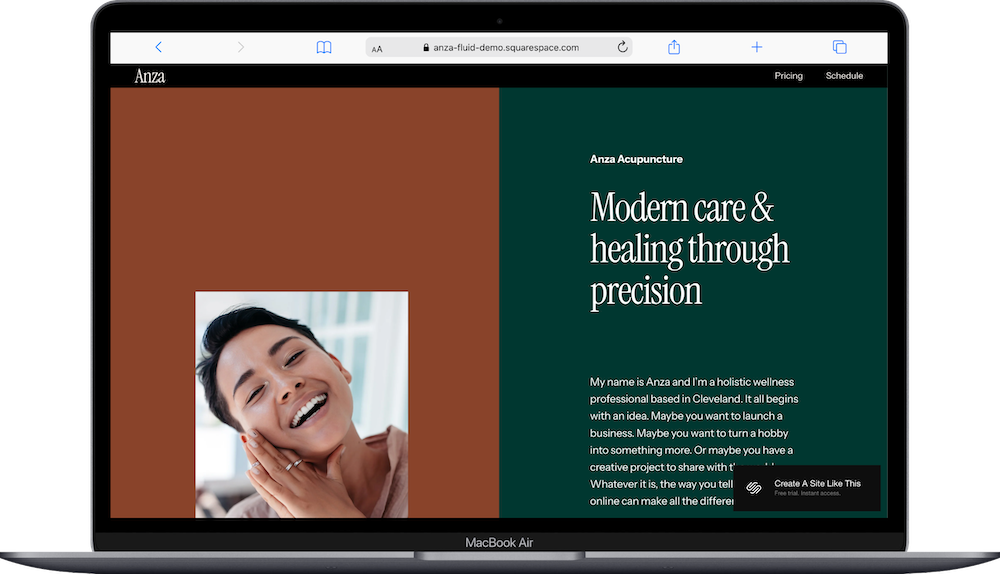
New Squarespace Templates Spring 2026: Flor, Hause, Mique, and Julian
A note on pricing: all prices mentioned in this post are accurate as of the date this article was written, but can change at any time. This includes Squarespace plans, third-party tools, plugins, templates, and any other services referenced. Always check directly with the provider for the most current pricing before committing.
This post contains affiliate links. If you purchase through them, I may receive a small commission at no extra cost to you.
Table of Contents Show
Squarespace has been adding new templates to its library this year, and four have landed since February 2026: Flor, Hause, Julian, and Mique. Three of them are coming-soon or one-page designs; Julian is the one full multi-page template in the batch and the most useful for anyone actively building a site right now.
This post covers what each template includes, who it might work for, and what the new additions say about where Squarespace is heading.
A Quick Note on the Coming-Soon Templates
Flor, Hause, and Mique are all one-page or coming-soon style templates. They're worth knowing about, but they're not full website templates. If you're looking for a complete website with multiple pages, services, about, and contact, or you need a musician school template, read on for Julian. That said, these three are interesting because they show off what Squarespace can do with animation and motion in Fluid Engine.
Flor Squarespace Template
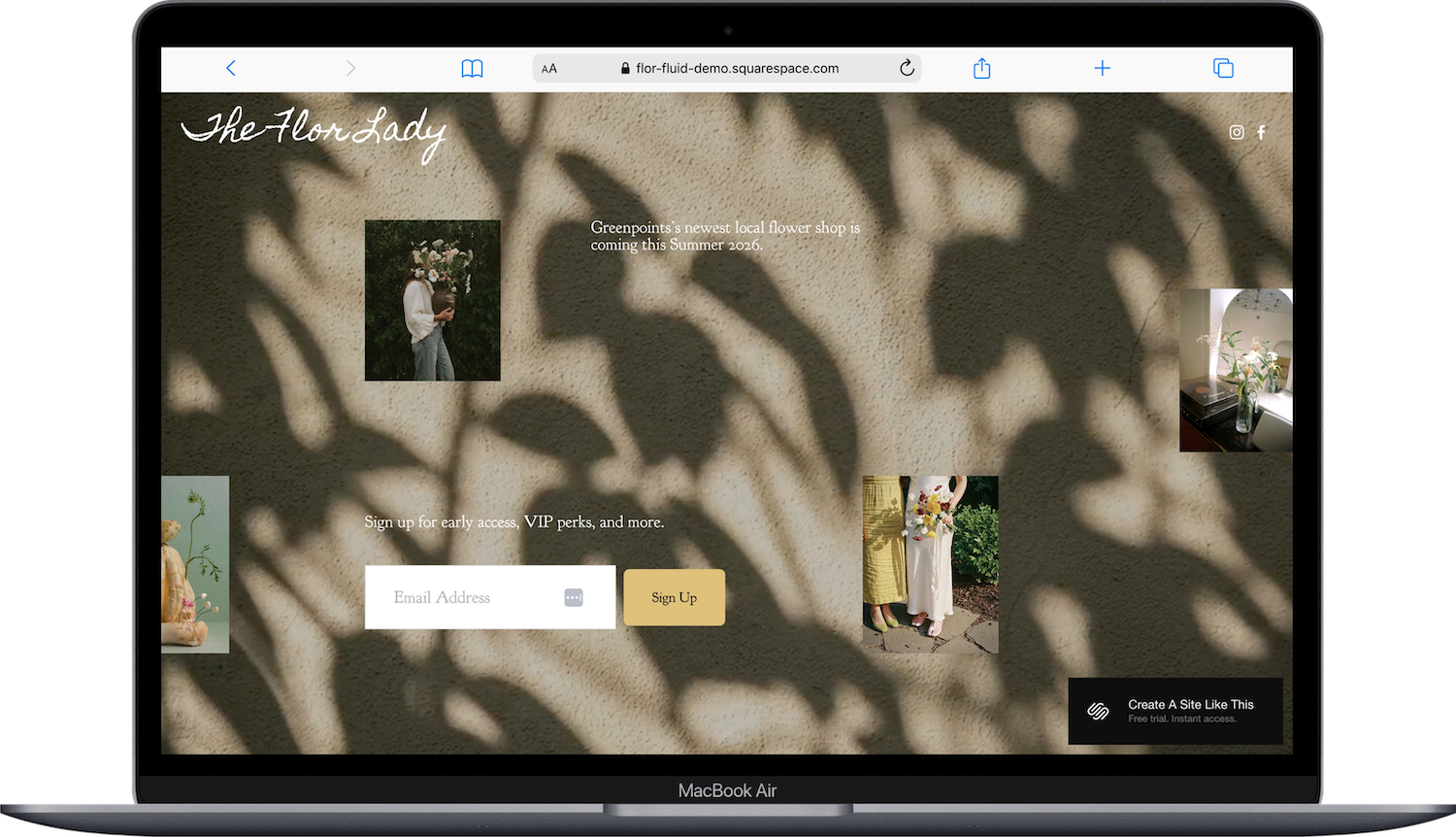
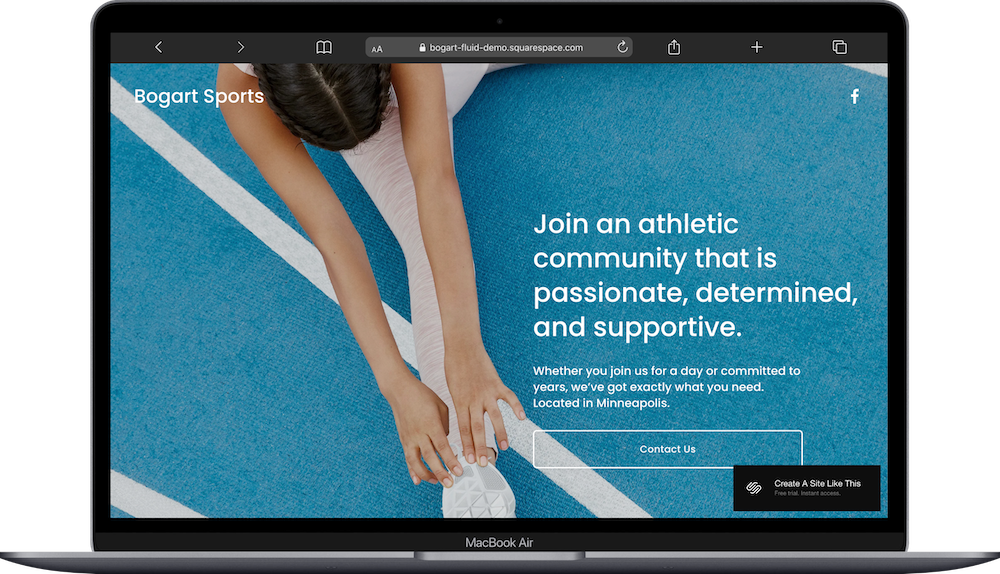
Flor is a one-page coming-soon template styled for a flower shop. It's exactly what it sounds like: a single beautiful holding page, with some pinning and animation built in, designed to let a business say "something's coming" without a full site behind it.
Who it works for: any small business or sole trader launching something new who wants a polished placeholder while the full site is in progress. Florists are the obvious fit given the demo, but the structure would work for any retail or product business that wants to build anticipation before launch.
Who should skip it: anyone who needs more than one page right now. There's no navigation, no services page, no blog. It's a landing page, not a website.
Hause Squarspace Template
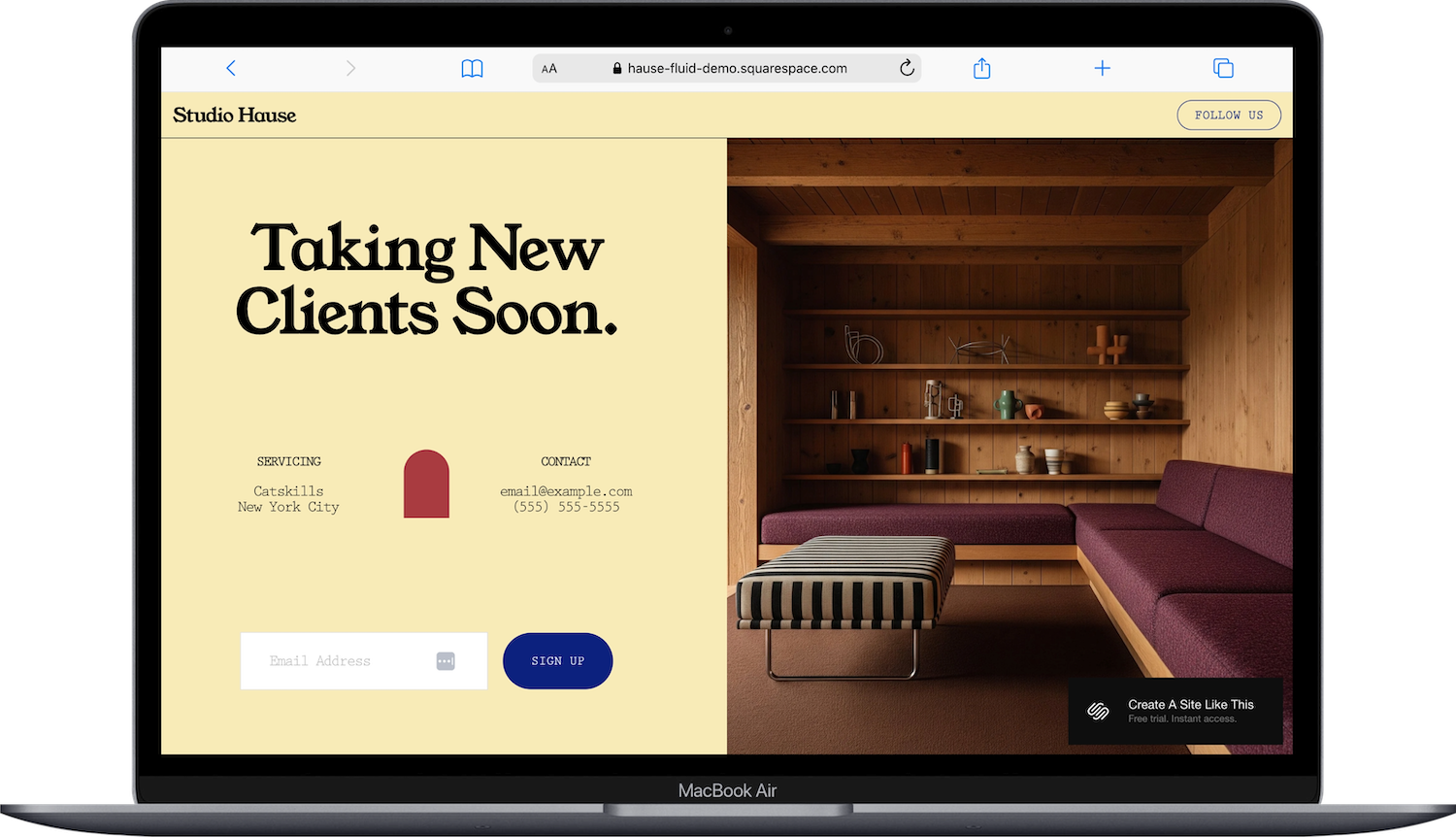
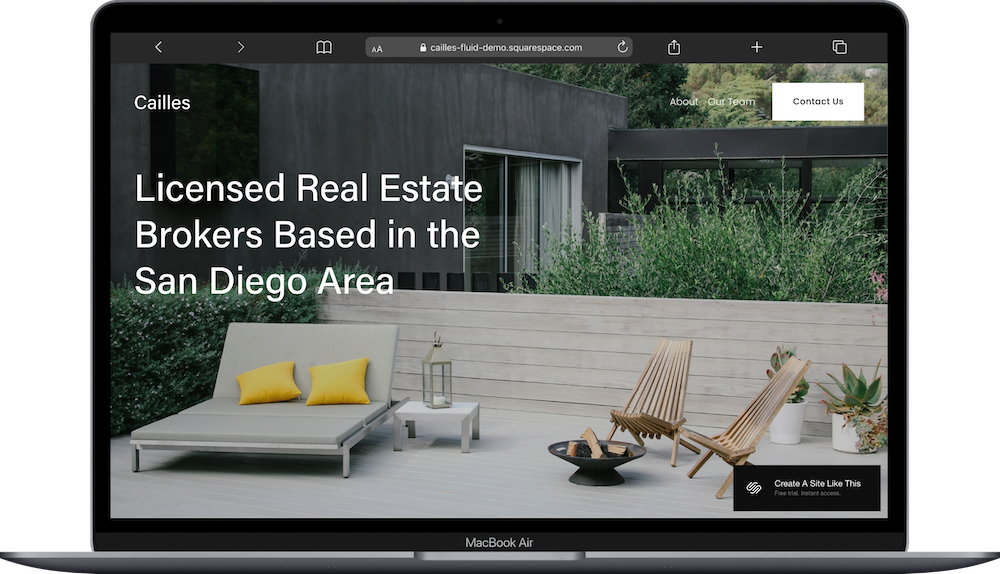
Hause is another coming-soon, one-page template. The demo doesn't lean into a specific industry the way Flor does, which makes it a bit more versatile as a holding page. Like Flor, it's likely showing off Squarespace's newer animation and motion capabilities rather than presenting a full site structure.
Who it works for: businesses or creatives launching something soon who want a minimal, modern holding page. Good for anyone who wants to collect emails or signal a launch without committing to a full site yet.
Who should skip it: same as Flor. If you need a real website with multiple pages, this isn't the starting point.
Mique Squarepace Template
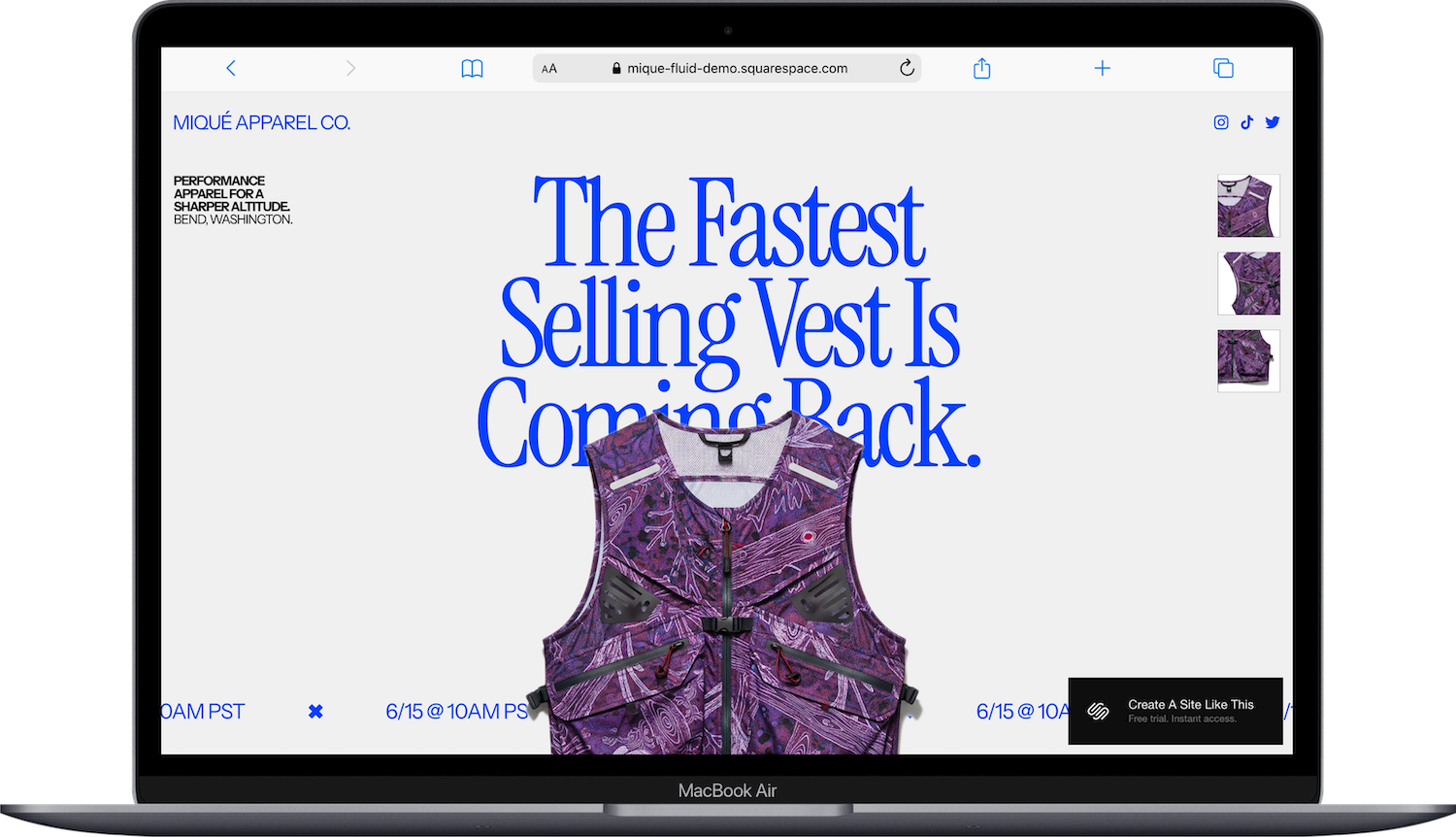
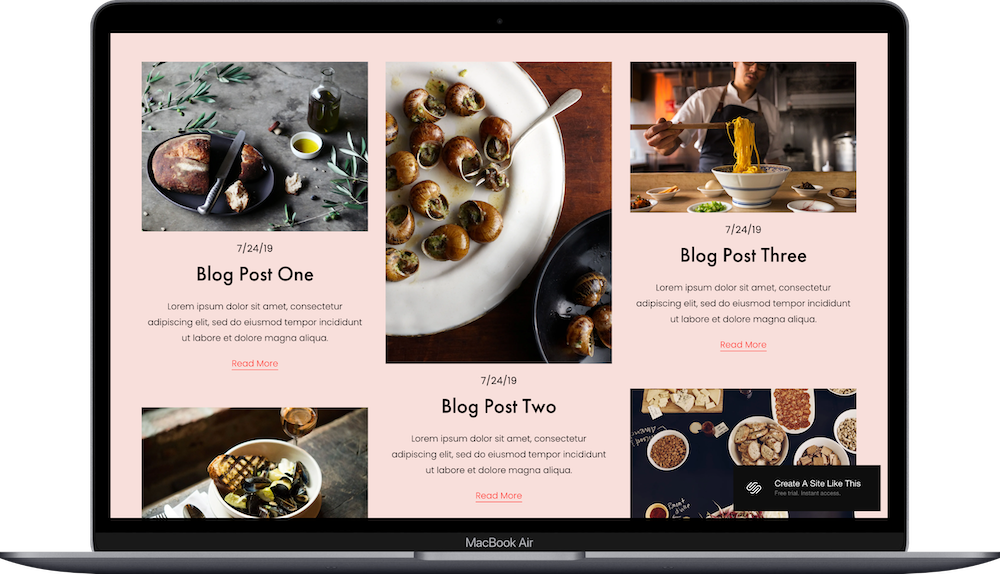
Mique is a one-page product template styled for an outdoor apparel brand. It's the most interesting of the three one-pagers because it's not a coming-soon; it's a functioning one-page shop. The demo shows product display on a single scrollable page, which makes it useful for brands with a tight, focused product line who don't need a full multi-page e-commerce experience.
Who it works for: small product brands, especially in apparel, gear, or lifestyle, with one or a small handful of products. Drop-style launches. Limited edition releases. Brands that want a punchy, focused buying experience without a full store.
Who should skip it: any product business with a significant catalog, multiple categories, or complex shipping and return needs. One page doesn't give you room for FAQs, a full shop, or the operational pages that a real e-commerce site needs.
If you're looking for a full one-page site (not just a product or coming-soon template), I've got a roundup of 30+ one page Squarespace templates here.
Julian Squarespace Template
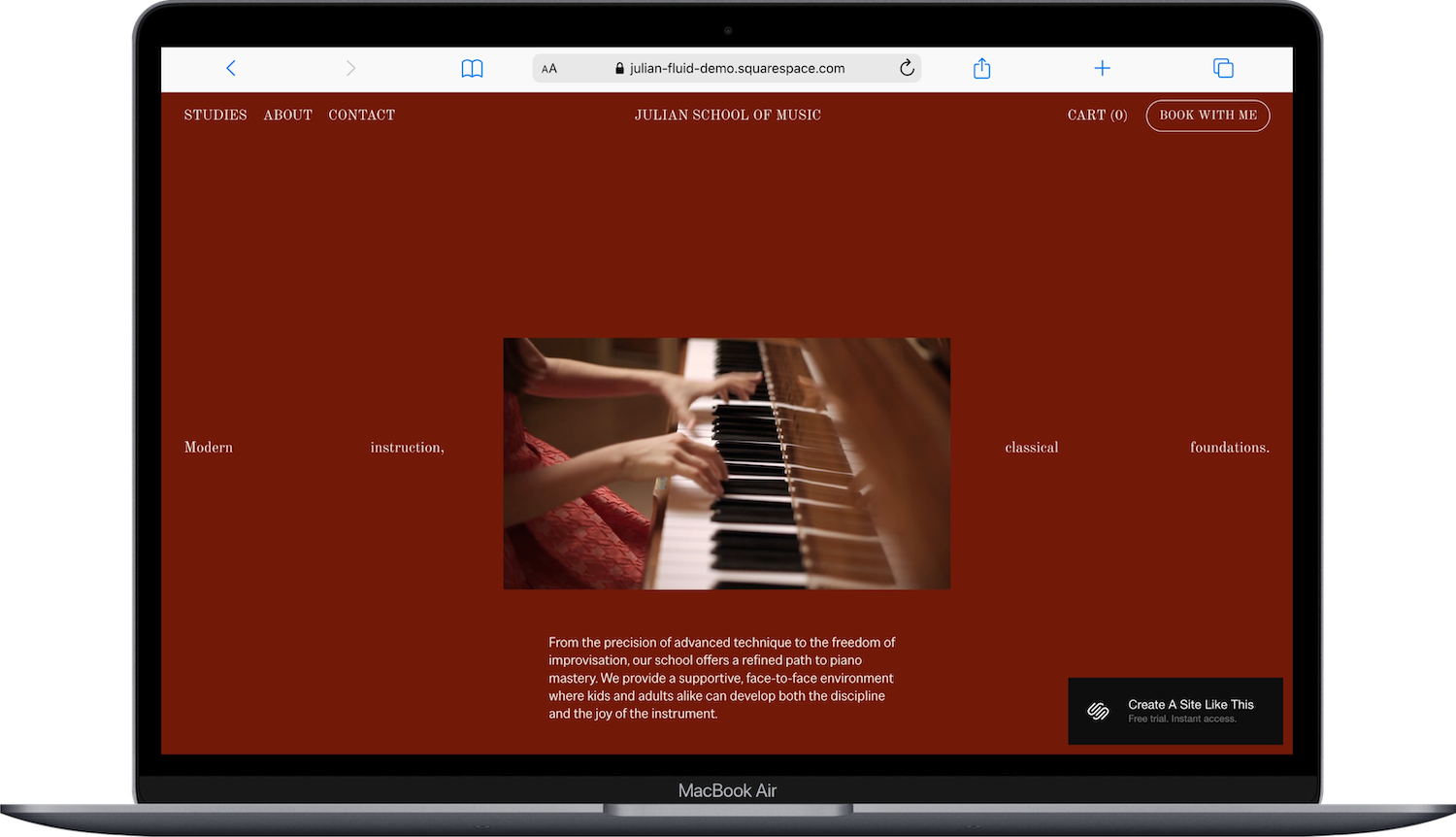
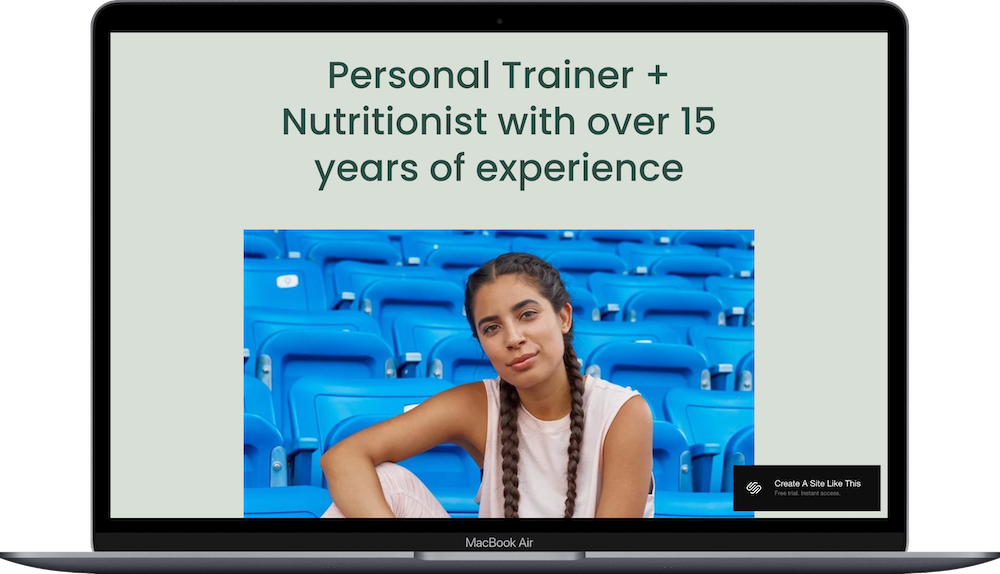
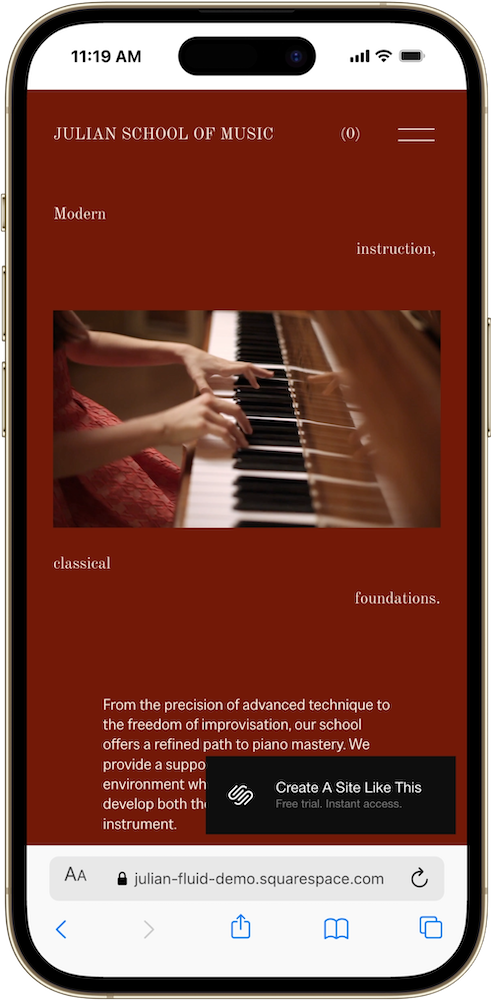
Julian is the only full multi-page template in this batch, and it's one of the more distinctive designs Squarespace has released in a while. The demo is styled for a music school called Julian School of Music, with a deep burgundy-red palette and a scattered-word headline treatment on the homepage that reads: "Modern instruction, classical foundations."
The aesthetic is editorial and confident. It doesn't look like most of historic Squarespace templates, which tend toward clean neutrals and safe (and dare I say, outdated) layout conventions.
Who the Julian Template Works Best For
Julian is built for instructors, teachers, and small schools that offer multiple types of lessons or programs and need a clean booking flow alongside their content. The navigation has six pages: Studies, About, Contact, Cart, and Book With Me, the last two sitting in the header as standalone calls to action. That structure makes the booking intent clear from the moment someone lands on the site.
Julian Music School Squarespace Template is a good fit for:
Music instructors and private teachers (piano, guitar, violin, voice, and so on)
Small music schools with multiple program types
Dance studios or movement teachers offering different class levels
Any instructor-based business that runs both group programs and 1:1 sessions
Creative educators in any discipline who want a distinctive, professional site
Who the Julian Template Is Not Best For
Julian probably isn't the right starting point if you run a product-first business. Julian is structured around booking and instruction, not selling physical goods. (See The 11 Best Free Squarespace Templates for Shops & Ecommerce for product-based templates)
What You Get with the Julian Template
Home PageThe homepage opens with a scattered-word headline across the full viewport: words placed at different horizontal positions so the full phrase "Modern instruction, classical foundations" reads as you scan across the screen. A centered image of hands on a piano keys sits in the middle, with a paragraph below introducing the school's approach. It's an unusual layout for Squarespace's free template library and it works well on both desktop and mobile; the words stack vertically on smaller screens in a way that still reads clearly.
StudiesThis is the program overview page, equivalent to a Services page in other templates. It's where you'd list your different lesson types, programs, or courses with descriptions and links to book. Having this as a standalone page rather than a section on the homepage is useful if you offer more than one or two distinct offerings and want each one to breathe.
AboutA dedicated About page for your teaching philosophy, background, credentials, and approach. For music teachers especially, this page does a lot of trust-building work before someone commits to a booking.
ContactStandard contact page. Given that "Book With Me" is already in the navigation as a separate action, the Contact page is more likely to catch general inquiries, questions about programs, or prospective students who aren't ready to book yet.
Cart and Book With MeBoth are in the navigation from day one, which is useful. Cart handles any product or package purchases; Book With Me is the direct booking entry point. Having both visible without requiring a visitor to dig through the site reduces friction for anyone who's already decided they want to work with you.
Getting Started with the Julian Squarespace Template
Rename Studies to match your program language. If you teach piano and guitar, maybe it's Lessons. If you run structured programs, maybe it's Programs or Courses. Update this before you do anything else.
Write your homepage headline for your actual business. The scattered-word treatment is a distinctive layout effect, so think about what short phrase captures your teaching approach. It doesn't have to be poetic; it just needs to work broken across the screen.
Fill in your About page. This is where prospective students decide whether to trust you. Your training, your teaching style, how long you've been teaching, and who you work best with all belong here.
Set up your booking flow. Configure Book With Me with your scheduling system before you go live. If you're using Squarespace Scheduling or Acuity, connect it and test the flow end to end.
Update your site colors if burgundy isn't your brand. The deep red is striking but it's specific. If you have an established brand palette, apply it through Site Styles after your content is in place.
Add a blog if SEO is part of your strategy. There's no blog in the default navigation; you can add one through your pages panel.
Check mobile carefully. The scattered headline layout is one of the more unusual effects in Squarespace's free library; give the mobile version a thorough look before you publish to make sure it reads the way you want.
Connect your domain, select your Squarspace plan, and then you’re ready to publish your site and go live!
Frequently Asked Questions
Are Squarespace templates free?
All 200+ built-in Squarespace templates are included free with any paid Squarespace plan. You don’t pay extra for the templates themselves. Third-party premium templates from independent design shops (like Big Cat Creative or Applet Studio) are a separate one-time purchase, generally ranging from $99 to $495, on top of your subscription. Either way, you can preview built-in templates and start building during your free trial before committing to a paid plan.
→ Start your free 14-day Squarespace trial here.
Does it matter which Squarespace template you choose?
Yes and no. All Squarespace 7.1 templates run on the same Fluid Engine, so you can technically customize any of them to look however you want. But your starting template determines your initial page structure and layout, which saves you significant time if you pick one built for your industry. Picking a template built for your business means less rearranging and more refining.
What is the difference between free and premium Squarespace templates?
Free built-in templates come with your subscription and typically include 5–8 pre-designed pages. Premium third-party templates are purchased separately from independent design shops and usually include 15-15+ pre-built pages, more distinctive design, strategic conversion layouts, and often setup guides or tutorial videos. The trade-off with free templates is that thousands of other sites share the same starting point. Premium templates offer a more custom look at a fraction of the cost of hiring a designer.
→ Try Squarespace free for 14 days and see the full template library before you commit.
How do I choose the right Squarespace template?
Start with what your site needs to do, not how you want it to look. If you’re a service provider, you want a template with a strong services page and clear calls to action. If you’re a creative, you want portfolio functionality. If you sell courses, you want a template with course showcase pages built in. Pick the template whose structure is closest to what you need, then customize the design from there. If you’re picking from the included free templates, I recommend choosing one released in the past year or two. Here are some of my favorite free & paid Squarespace templates.
What is the best Squarespace template for a music school or instructor?
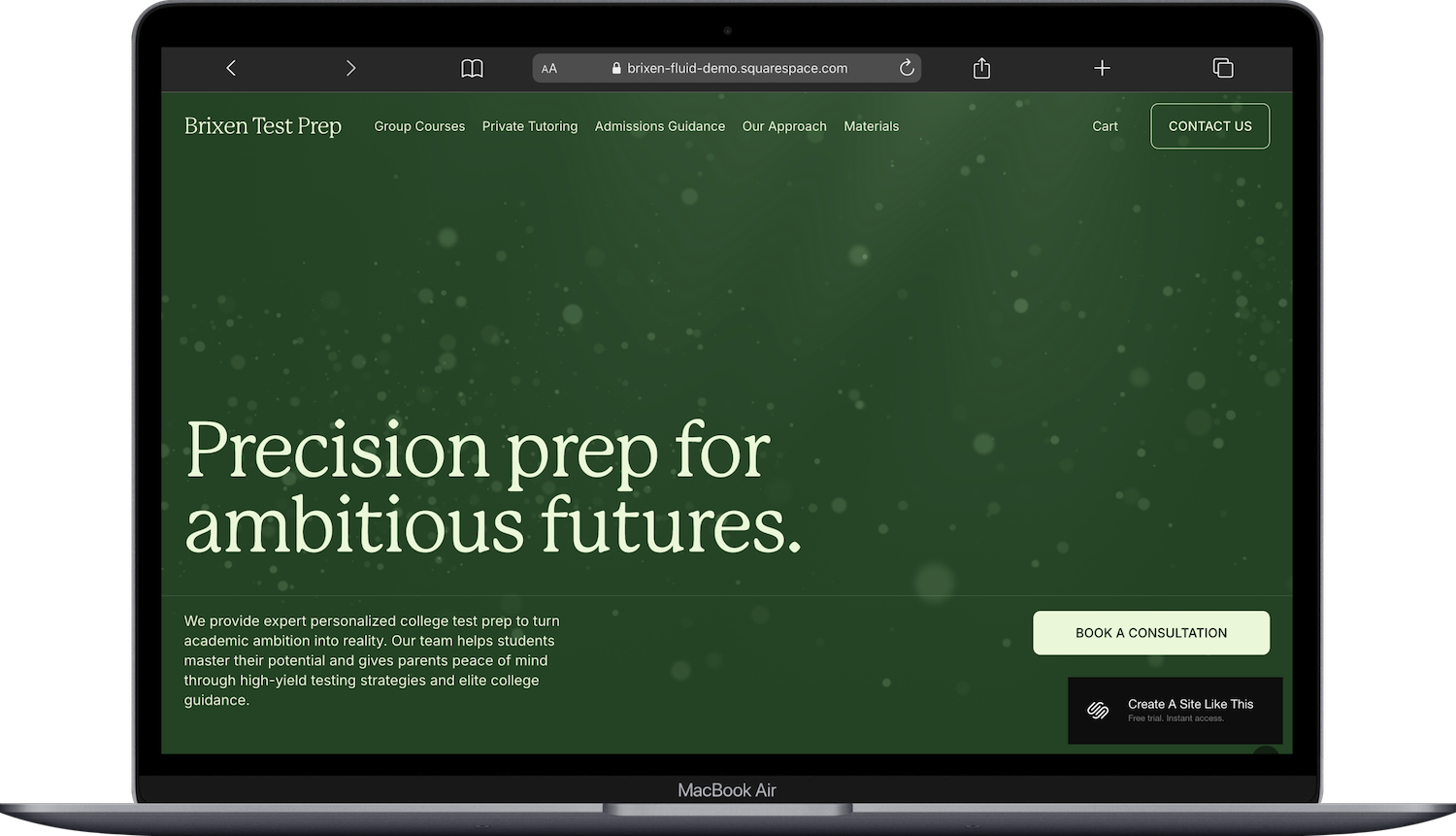
Julian is the only Squarespace built-in template designed specifically for a music school. It comes with pages for Studies, About, Contact, Cart, and a Book With Me CTA in the nav from day one. If you need more complexity, like multiple instructors, a resource shop, and a methodology page, Brixen is worth a look. Both are free with any Squarespace plan.
What Squarespace plan do I need?
Plans start at $16/month on the Basic plan, billed annually, and include a 14-day free trial. All plans include access to the full template library. The Basic plan lets you sell products but charges a 2% transaction fee; Core removes that. If you’re selling digital products or courses, the fee structure differs by plan, so it’s worth checking current pricing directly before you commit.
→ See current Squarespace plans and pricing here
Can I preview a Squarespace template before committing?
Yes. You can start a free 14-day trial and test any built-in template, build out pages, and get a real feel for the platform before you’re on a paid plan. You’re not locked into the template you start with either; you can switch at any time without losing your content.