Best Squarespace Templates for Online Courses
This post contains affiliate links. If you purchase through them, I may receive a small commission at no extra cost to you.
Table of Contents Show
What are the best Squarespace templates for online course creators?
Quick Answer: The best Squarespace templates for online courses are Comet (best for a full course catalog or academy), Forma (best for selling a signature course), and Kusa (best for creatives teaching their craft). Other strong picks include Bloom for life coaches, Gilden and Arthur for photographers, and Loam for food educators. Squarespace Courses is available on all plans starting at $16/month, though transaction fees vary significantly by plan.
KEY FACTS:
Squarespace Courses is included on all four plans: Basic ($16/mo), Core ($23/mo), Plus ($39/mo), and Advanced ($99/mo)
Transaction fees on course sales range from 7% on Basic to 0% on Advanced
Courses support video lessons, sequential chapters, and student progress tracking
No built-in quizzes or certificates of completion (a limitation worth knowing upfront)
Video storage is limited on Basic and Core; Plus allows up to 50 hours; Advanced is unlimited
Any Squarespace template works with Courses, but some layouts are far better suited for selling education
How to Pick a Squarespace Template for Online Courses
Before you start clicking through template previews, think about what kind of course business you're building. A life coach selling one $497 signature program needs a completely different site structure than someone running an academy with 12 different self-paced courses.
The templates below are grouped by use case. Find your scenario first, then check out the options. And if you want more general guidance on the template selection process, I have a full how to choose a Squarespace template guide that covers the broader decision.
Best Templates for Selling a Signature Course
If you have one big course (or maybe two) and your whole site is basically a funnel leading people to that offer, you’ll need a template with strong course landing page energy. Big hero sections, testimonial areas, clear calls to action.
Forma Squarespace Template
Forma was built for coaches and entrepreneurs selling digital products, and it shows. The homepage flows like a sales page; you get a bold hero section, space for social proof, feature breakdowns, and a prominent call-to-action area. If your business model is "one signature course + maybe some 1:1 coaching," this is your template. It's one of the best Squarespace templates for selling courses because the entire layout is already designed to convert. (Full Forma review here.)

Bloom Squarespace Template
Bloom is designed for life coaches, but the layout works beautifully for anyone selling a single course or program. It's warm and inviting, with a natural flow from "here's who I am" to "here's what I can help with" to "here's what to buy." The about section and services layout translate perfectly into a course sales page. If your course has a personal brand behind it (and most do), Bloom makes that connection feel seamless. (Full Bloom review here.)

Best Squarespace Education Website Templates for a Course Catalog
Building something that feels more like an academy or learning platform? You need a template that handles multiple offerings cleanly and doesn't look cluttered when you've got 5+ courses listed.
Comet Squarespace Template
This is the one. Comet is literally categorized as a courses/education/academy template, and it's the closest thing Squarespace has to a purpose-built Squarespace education website template. It handles multiple course listings elegantly, has a clean category structure, and looks like a place where people go to learn things. If you're building a catalog, start here. (Full Comet review here.)

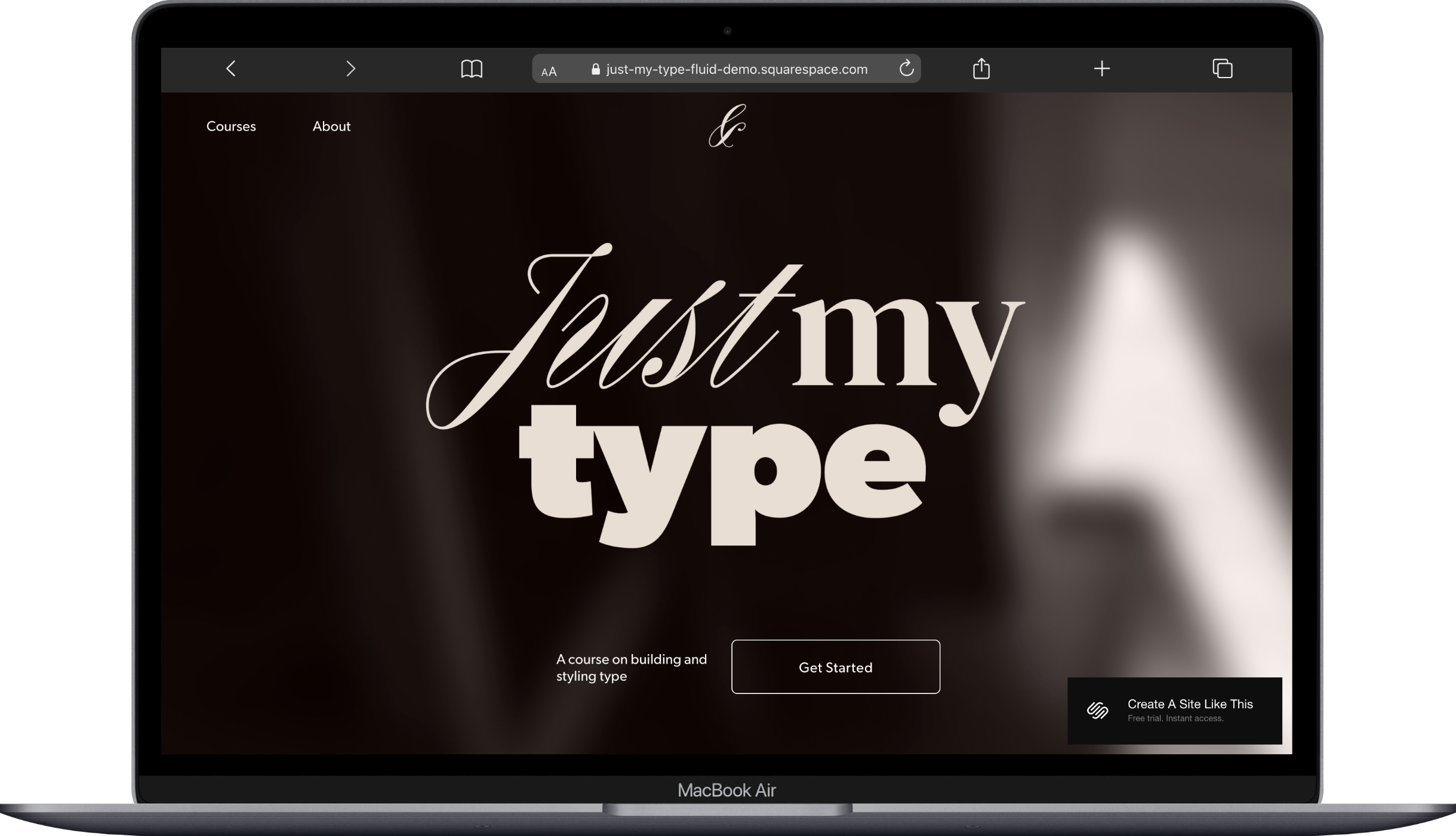
Just My Type Squarespace Template
Another education-focused template that handles multiple offerings well. Just My Type has a slightly more editorial feel than Comet; think less "online academy" and more "curated learning experience." It's a solid pick if your brand leans refined or creative and you want your course catalog to reflect that rather than looking like every other course platform out there.
Best Templates for Creatives Teaching Their Craft
Photographers, artists, designers, makers; if you're teaching what you do, your site needs to showcase your work AND sell the course. That's a different balance than a pure education site.
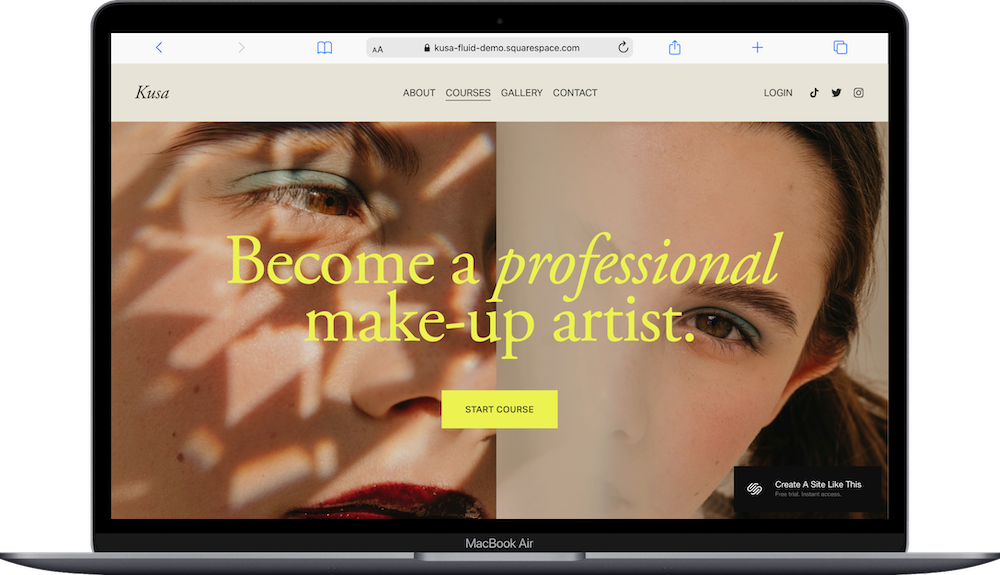
Kusa Squarespace Template
Kusa is built for beauty and creative industries with a courses component baked right into the design. It's visual-forward with strong portfolio-style sections, which means your work does the selling before anyone even clicks on the course page. Great for anyone whose expertise is visual and who wants the course to feel like a natural extension of their creative portfolio. (Full Kusa review here.)
Gilden Squarespace Template
Gilden was designed for photographers selling courses, and that specificity is its strength. It balances a portfolio section with course offerings in a way that feels intentional rather than cobbled together. If you're a photographer or visual creative looking for a Squarespace course website template that showcases your work *and* your teaching, this deserves a serious look.

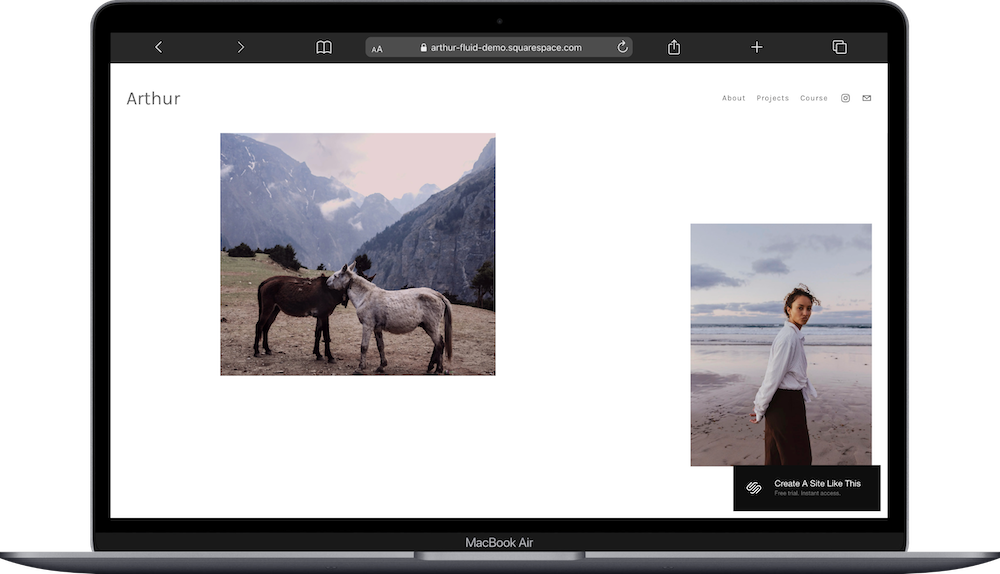
Arthur Squarespace Template
Similar to Gilden in its photographer-plus-courses approach, but with a slightly different layout emphasis. Arthur gives more weight to the course and education side while still featuring portfolio work prominently. Pick this over Gilden if your courses are the primary revenue driver and your portfolio is supporting evidence rather than the main event. (Full Arthur review here.)
Best Templates for Coaches Bundling Courses with Services
A lot of coaches and consultants don't sell courses in isolation. The course is part of a broader offering that includes 1:1 sessions, group coaching, maybe a membership. Your template needs to present all of that without feeling scattered. (I also have a full roundup of templates for coaches and consultants if you want more options.)
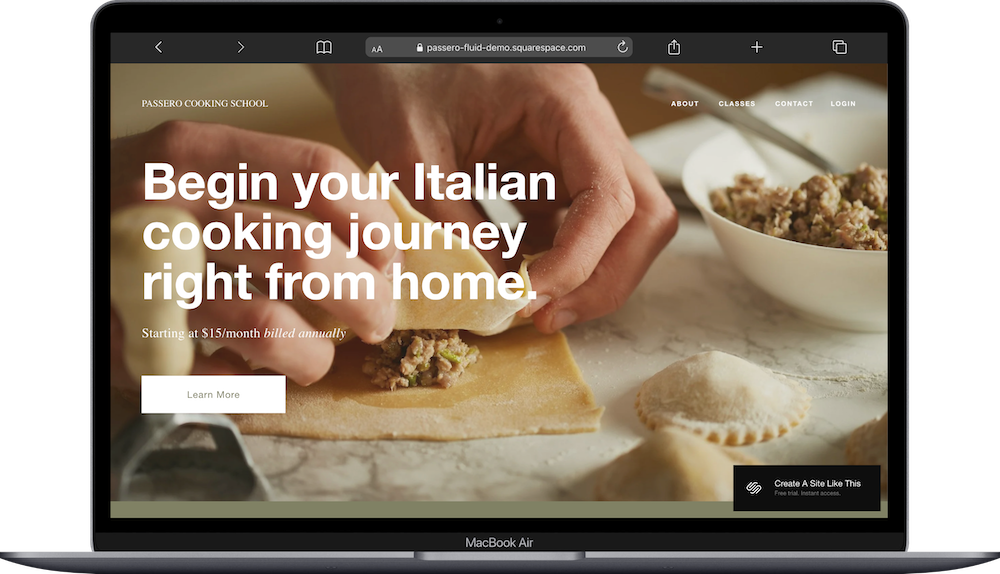
Passero Squarespace Template
Passero is categorized as a restaurant/cooking school template (I know, bear with me), but its layout is excellent for anyone offering a mix of services and educational content. The structure handles multiple offering types cleanly, and the booking-friendly design adapts well to course sales combined with session scheduling. It's a surprisingly versatile pick for the coach-who-also-teaches model. (Full Passero review here.)
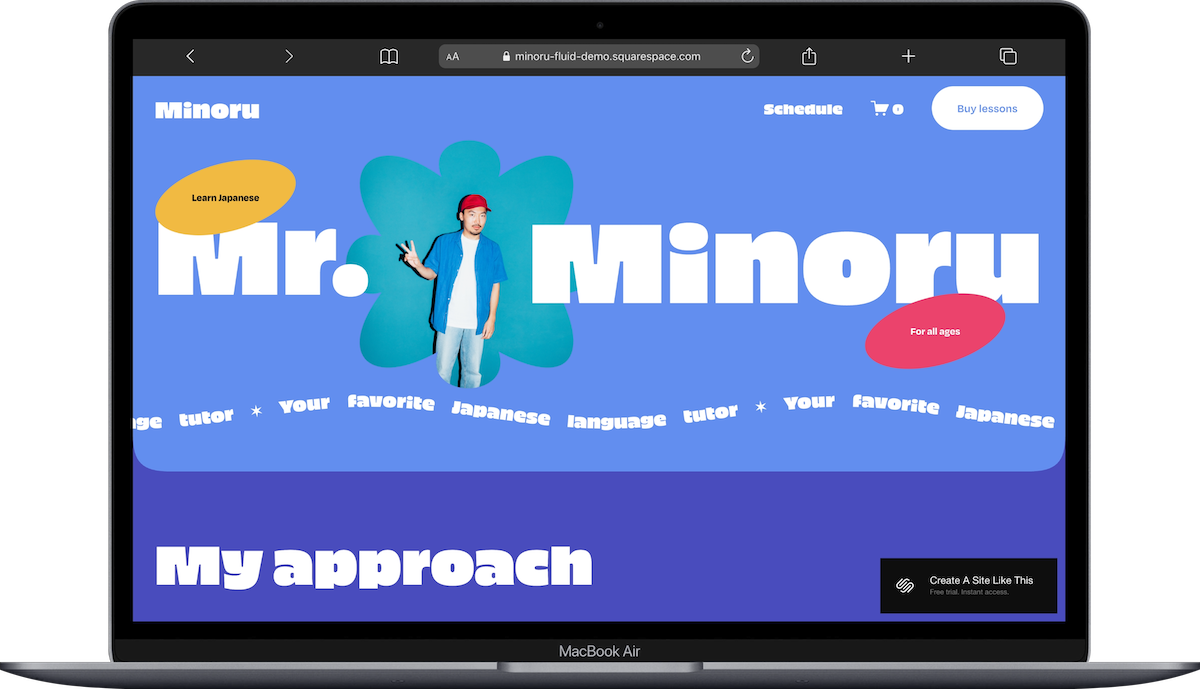
Minoru Squarespace Template
Built for coaches and teachers specifically. Minoru handles the "I offer coaching AND courses" scenario gracefully, with clear sections for different service tiers and educational offerings. It's straightforward and professional without being stuffy; the kind of site where someone can quickly figure out whether they want the self-paced course or the hands-on coaching package.
Best Template for Food and Lifestyle Course Creators
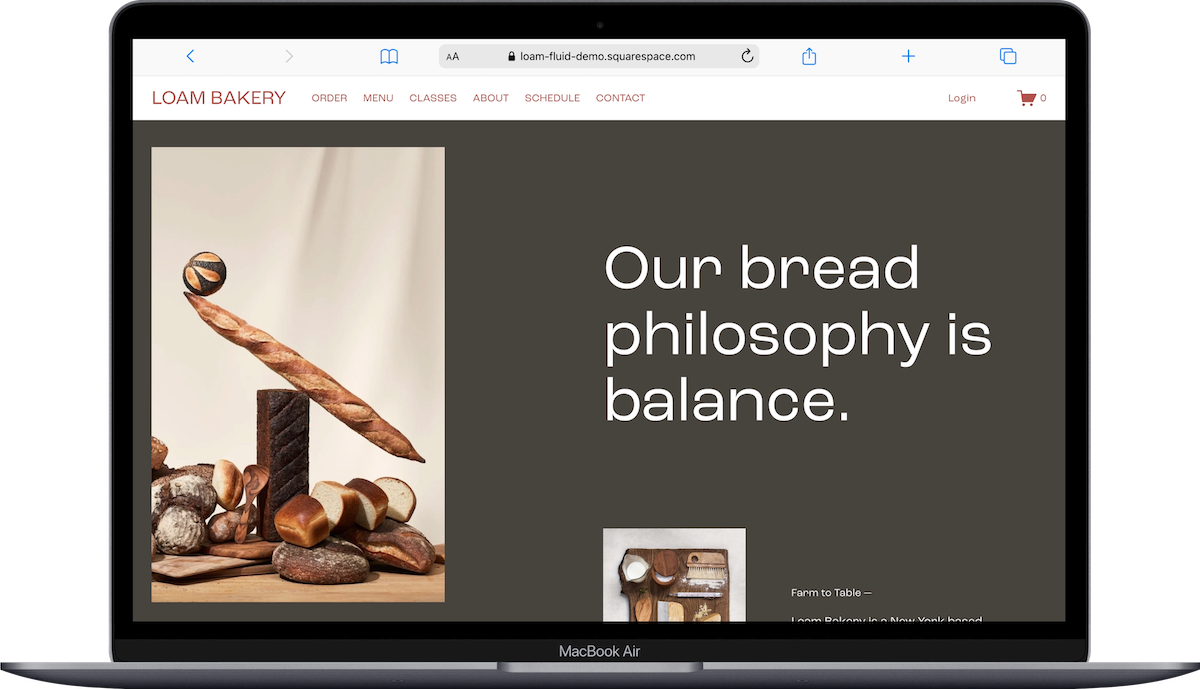
Loam Squarespace Template
If you're teaching cooking classes, baking courses, nutrition programs, or any food-adjacent education, Loam is your pick. It's a bakery/cafe template with warm, inviting design elements that translate perfectly to food education. The visual style makes people hungry, which is exactly what you want when you're selling a cooking course. Loam gives you soooo much visual warmth right out of the box; you won't need to fight the template to make it feel approachable.
Pricing Math Before Picking a Plan
Squarespace Courses works on all plans. But the transaction fees are dramatically different, and which plan makes financial sense depends entirely on your sales volume.
Here's the breakdown:
Basic ($16/mo): 7% digital product fee on course sales. Sell a $200 course? You're paying $14 per sale in fees.
Core ($23/mo): 5% commission. That same $200 course costs you $10 per sale.
Plus ($39/mo): 1% commission. Your $200 course costs $2 per sale. Plus you get up to 50 hours of video hosting.
Advanced ($99/mo): 0% transaction fees and unlimited video hosting.
The math is simple. If you're testing the waters with one course and making a handful of sales per month, Basic or Core is fine. Once you're consistently selling, Plus pays for itself fast. And if courses are your main revenue stream, Advanced is where the fees stop eating into your margins. I break this down in more detail in my Squarespace subscription plans guide.
You can start a free Squarespace trial to test any template with the Courses feature before committing to a plan.
Free Templates vs. Premium Third-Party Options
Every template mentioned above is included free with your Squarespace subscription. That's the good news. The catch is that they're also available to everyone else; thousands of other course creators can (and do) start from the same template.
If you want something that looks more distinctive and brand-specific from the start, third-party template shops are worth considering:
Kseniia Design has several education and coaching-focused templates
Big Cat Creative offers bold, professional designs
Applet Studio is great if you want something clean and modern
These typically run $200-500 one-time and give you a more unique starting point. Not necessary by any means, but a good option if design differentiation matters to your brand.
What Squarespace Courses Can (and Can't) Do
Before you commit, know the limitations. Squarespace Courses handles video lessons, sequential chapters, progress tracking, and basic drip content well. You can sell courses at a fixed price, through subscriptions, or give them away free.
What it doesn't do: quizzes, graded assessments, certificates of completion, or built-in community features. If any of those are central to your course model, you'll either need to pair Squarespace with a third-party tool or look at a dedicated course platform like Teachable or Kajabi instead.
For most course creators selling self-paced video content, though, Squarespace's built-in Courses feature covers what you need. And keeping everything on one platform means one login, one bill, and one design system to manage. That simplicity is worth something.
Frequently Asked Questions
Can I sell courses on Squarespace?
Yes. Squarespace has a built-in Courses feature available on all four plans (Basic, Core, Plus, and Advanced). You can create video-based courses with sequential lessons, chapters, and progress tracking, then sell them directly through your site at a fixed price, via subscription, or for free.
Does Squarespace have a course template?
Squarespace doesn't have one single designated "course template," but several templates are designed with education and course selling in mind. Comet is the most academy-focused option, while Forma and Bloom work well for selling a signature course. The Courses feature itself works with any Squarespace template you choose.
What Squarespace plan do I need to sell courses?
All four Squarespace plans support the Courses feature, but transaction fees differ significantly. Basic ($16/mo) charges a 7% total fee per course sale, Core ($23/mo) charges 5%, Plus ($39/mo) charges 1%, and Advanced ($99/mo) charges 0%. Plus and Advanced also offer substantially more video hosting storage.
Is Squarespace good for online courses?
Squarespace is a solid option for course creators who want their course, website, and sales page all in one place without managing multiple platforms. It handles video lessons, sequential content, and payment processing well. The main limitations are the lack of quizzes, certificates, and community features; if you need those, a dedicated platform like Teachable or Kajabi may be a better fit.
Are Squarespace course templates free?
All 150+ Squarespace templates are included with every subscription plan at no additional cost. You choose a template when you create your site (plans start at $16/month for Basic) and can switch templates at any time. Third-party templates from independent design shops typically cost $100-300 as a one-time purchase and offer more unique, niche-specific designs.
Can you use Squarespace Courses with any website plan?
Yes. As of 2026, the Courses feature is available on all Squarespace plans: Basic, Core, Plus, and Advanced. The difference between plans comes down to transaction fee percentages and video hosting limits, not access to the Courses feature itself.

