Best Squarespace Templates for Virtual Assistants
This post contains affiliate links. If you purchase through them, I may receive a small commission at no extra cost to you.
Table of Contents Show
What is the best Squarespace template for Virtual Assistants?
Quick Answer: The best free Squarespace templates for virtual assistants are Suhama (simple one-page starting point), Carroll (multi-service VA with portfolio), Grant (established VA business), Byron (booking-focused service provider), and Cami (VAs with a strong visual brand). All five are free with any Squarespace plan starting at $16/month, and all are built on Squarespace 7.1.
If you're a virtual assistant looking to build a website, you've probably noticed that most of "best VA templates" articles out there are just lists of expensive paid third-party templates or custom design. Which is fine if that's your budget, but not super helpful if you're just getting started or want to keep costs down.
So I went through Squarespace's entire template library and pulled out five built-in Squarespace templates that actually work for a VA business. And they're all free with any Squarespace subscription.
KEY FACTS:
All five templates are free with any Squarespace subscription (Currently: Basic $16/mo, Core $23/mo, Plus $39/mo, Advanced $99/mo)
All templates run on Squarespace 7.1 with the Fluid Engine editor
Squarespace offers a 14-day free trial for any template with no credit card required
VA websites typically need: Home, About, Services, Contact, Testimonials, and optionally a Blog or Booking page
Acuity Scheduling integrates easily for client booking but is a separate paid add-on starting at $16/month billed annually
Every template is fully customizable; pages, fonts, colors, and layout can all be changed
What to Look for in a Squarespace Template for Virtual Assistants
Before picking a template, think about what your VA website actually needs to do. You're not selling products. You're not showcasing a portfolio of photographs. You're selling your time, your skills, and your reliability.
That means your website needs to:
Clearly explain what services you offer
Make it easy for potential clients to contact you or book a call
Build trust through testimonials, past experience, or credentials
Look polished and professional (because if your website looks disorganized, clients will assume your work is too)
Most VA websites need a Home page, About page, Services page, Contact page, and ideally a spot for testimonials. A blog is a bonus if you want to build SEO over time, and a booking or scheduling integration is a big plus if you want clients to book discovery calls directly.
With that in mind, here are the five best Squarespace templates for virtual assistants:
1. Suhama Squarespace Template
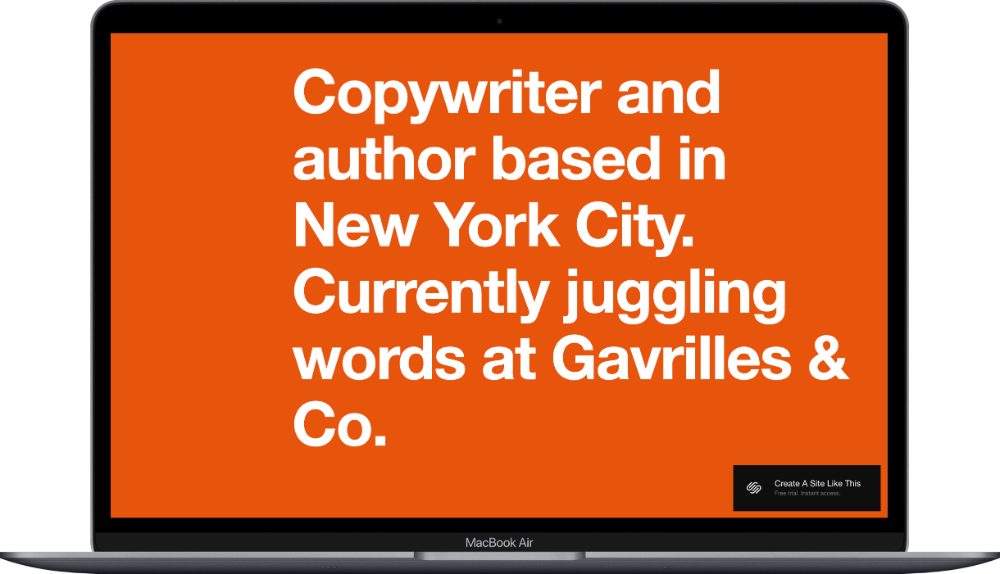
Best for: Virtual assistants just starting out, solo VAs who want a simple one-page site, VAs offering copywriting or admin services
Suhama is a clean, one-page Squarespace template designed for service providers; especially those who want everything in one scrolling page without a complex multi-page setup. The template includes sections for About, Services, Testimonials, and Contact all on a single page. The homepage opens with a headline and brief intro, scrolls into a services breakdown with descriptions for each offering, features a client testimonial section, and ends with a contact form.
What makes Suhama work well for VAs is the simplicity. If you're in the early stages of your business and don't have a ton of content yet (no blog, no massive portfolio, no 15 service packages), this template gives you a professional-looking site without a bunch of empty pages. You can always add more pages later as your business grows. If you want to get your VA website up and running quickly without overthinking it, Suhama would be a great starting point for you.
(If you're curious about other one-page options, I wrote a whole guide to Squarespace one-page website templates that covers more.)
2. Carroll Squarespace Template
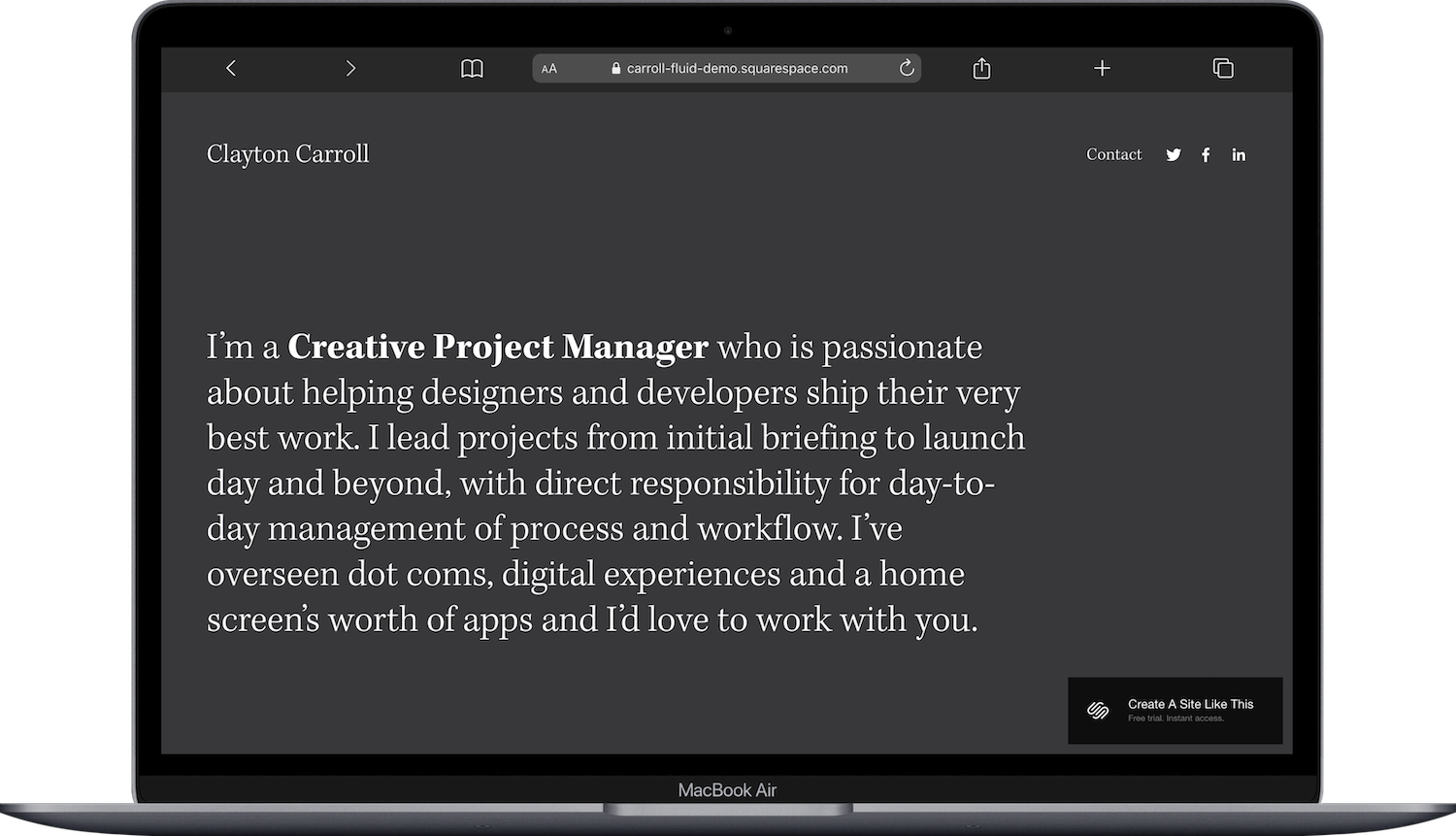
Best for: VAs offering multiple service packages, project managers and OBMs who want to show past work, VAs who serve different industries
Carroll is a Squarespace template built for creative project managers and service providers who want to showcase both their services AND their work. The homepage features a large hero section with your name and title, a brief intro section, a grid of project highlights, and a services overview with calls-to-action.
If you're a VA who works with multiple clients across different industries (say, a real estate agent, a wellness brand, and a podcast host), you can use a portfolio section to show examples of what you've done for each. Think of it less as a traditional "portfolio" and more as a "here's who I've helped and what I did for them" section. Carroll is a fabulous template to start with if you want to demonstrate range and build credibility through past work.
3. Grant Squarespace Template
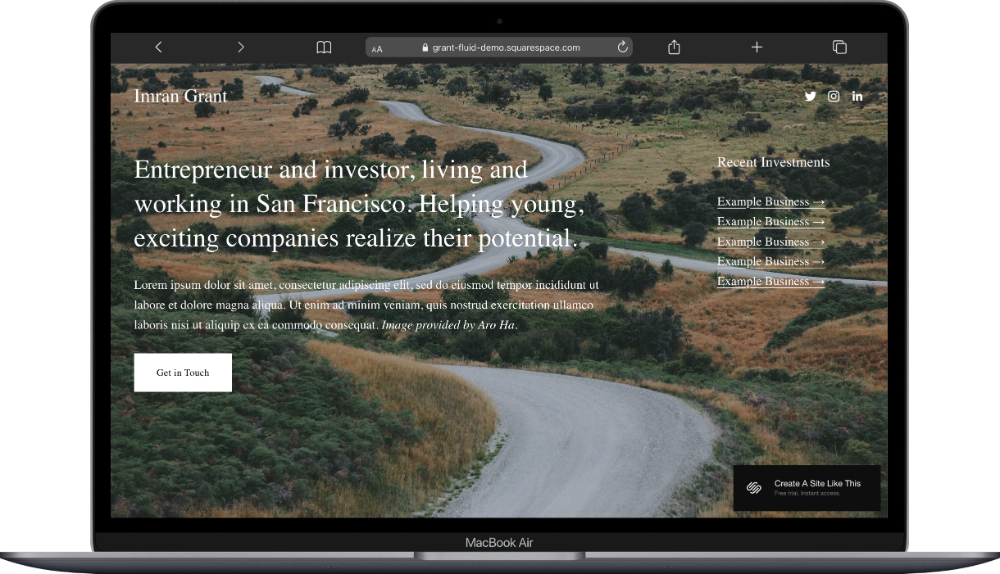
Best for: Established VAs with a defined service menu, VAs positioning themselves as business support specialists, executive or C-suite virtual assistants
Grant is a one-page professional Squarespace template designed for entrepreneurs and business service providers. The homepage features a hero section with a headline and CTA button, a brief value proposition, a services grid with icons, a testimonials carousel, and a newsletter signup at the bottom.
Grant has a polished, business-forward feel that works well if you're targeting corporate clients or positioning yourself as a premium VA. If you want a simple yet professional website that matches the professionalism of your services, Grant would be a great starting point for you.
4. Byron Squarespace Template
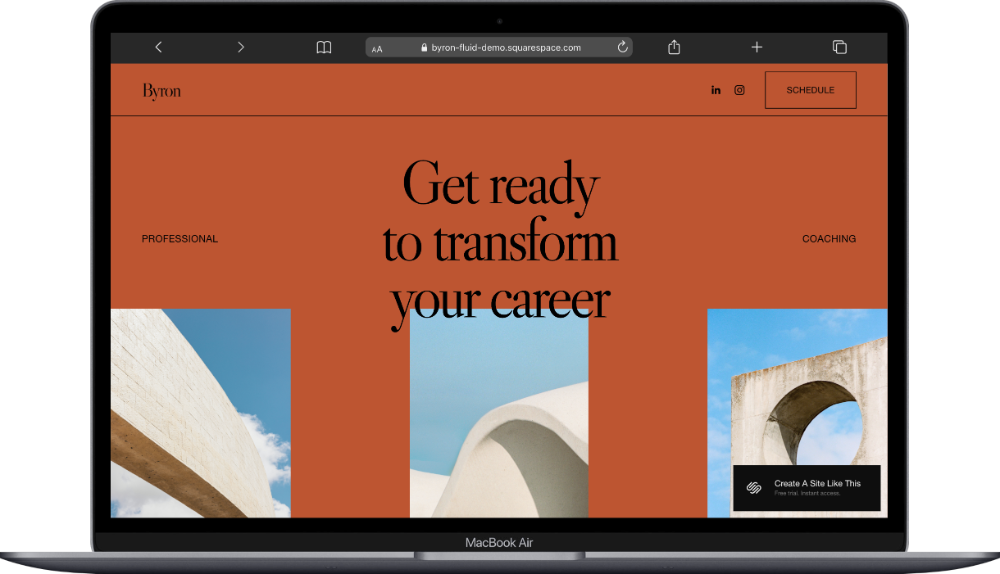
Best for: VAs who rely on discovery calls to book clients, VAs offering coaching or consulting alongside admin services, VAs who want a strong booking flow
Byron is another one-page Squarespace template. Originally designed for career coaches, I think it would work well for virtual assistants who convert clients through 1:1 consult and discovery calls. If your sales process looks like: someone finds your site → reads about your services → books a free discovery call → becomes a client, then this template is designed exactly for that flow. You can embed Acuity Scheduling (a separate add-on) or link to Calendly directly from those CTA buttons. Byron is a fabulous template to start with if getting people on calls is how you close clients.
5. Cami Squarespace Template
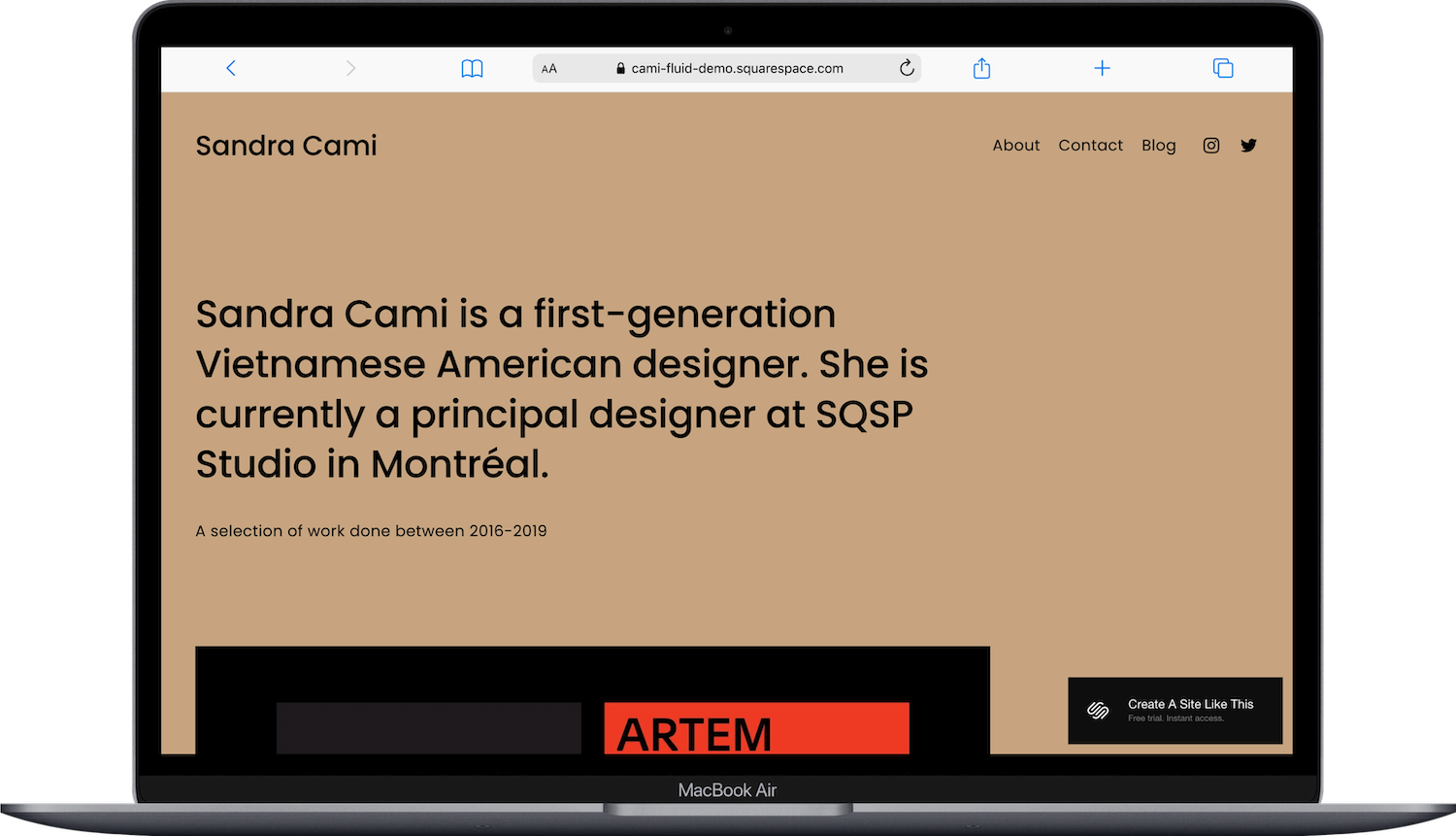
Best for: VAs with a strong visual brand, VAs specializing in social media management or creative services, VAs who want their personality to come through
Cami is a Squarespace template designed for designers and creatives that translates surprisingly well to a VA business; especially if your brand leans more visual or lifestyle-oriented. The homepage features a full-width hero image, an about section with a photo, a selected work grid, a services overview, and a contact form.
Cami has a warm, editorial feel that's different from the more corporate-looking templates on this list. If you're a social media manager, content creator VA, or you just don't want your website to look like every other VA site out there, Cami gives you room to inject personality. The Work page can be used to highlight client projects, social media feeds you've managed, or before-and-after organizational transformations. If your brand and aesthetic are a big part of why clients hire you, Cami would be a great starting point for you.
How to Choose the Right Squarespace Template for Your VA Business
Think about where you are in your business and how you get clients before picking a template.
If you're just starting out and want something simple, Suhama keeps it clean and minimal. If you work with multiple clients across industries and want to showcase that, Carroll gives you a portfolio structure. If you're an established VA targeting corporate or premium clients, Grant has the professional polish. If discovery calls are your main conversion tool, Byron puts booking front and center. And if your personal brand and aesthetic set you apart, Cami lets that shine.
Remember, these templates are all starting points. You can customize colors, fonts, images, layouts, add pages, remove pages, and make it yours. Pick the one that's closest to the structure you need, then build from there.
→ Want to try any of these? You can start a free 14-day Squarespace trial and test out templates before committing.
Want Something More Custom?
These built-in templates are great starting points, but they ARE used by thousands of other Squarespace users. If you want something more distinctive or specifically designed for service providers, third-party template shops are worth a look. A few I'd recommend:
Kseniia Design has templates specifically built for VAs and service providers
Big Cat Creative makes bold, personality-driven templates
Applet Studio has clean, modern designs for service-based businesses
These typically run $150-$450 one-time, and they come with more niche-specific page setups and styling that you won't find in the free library.
Pages Every Virtual Assistant Website Needs
Regardless of which template you pick, make sure your site includes these:
Home; your first impression. Lead with what you do and who you do it for.
About; your story, your background, why you're good at this. Clients want to know who they're trusting with their business.
Services; spell out exactly what you offer. Packages, pricing (if you're comfortable sharing it), and what's included.
Contact; make this easy. A form, an email, a booking link. Don't make people hunt for how to reach you.
Testimonials these can live on their own page or be woven into your homepage and services page. Social proof matters A LOT for service providers.
Blog (optional but recommended): helps with SEO over time and positions you as knowledgeable in your space.
If your website has those core pieces and it's easy to navigate, you're in great shape. (And if you want to make sure your images aren't slowing everything down, check out my post on how to optimize images in Squarespace.)
Frequently Asked Questions
What pages should a virtual assistant website have?
A virtual assistant website should include a Home page, About page, Services page, Contact page, and Testimonials (either as a standalone page or integrated into your homepage and services page). A blog and a booking/scheduling page are optional but helpful for SEO and client conversion. The key is making it clear what you offer, who you help, and how to hire you.
Is Squarespace good for a virtual assistant website?
Squarespace is a solid choice for a VA website. It has professional-looking templates, built-in SEO tools, and Acuity Scheduling integration for booking discovery calls. It's easier to manage than WordPress and gives you more design control than most other builders. Plans start at $16/month with a 14-day free trial.
Do virtual assistants need a website?
You don't technically NEED one to get clients (referrals and social media can work), but a website gives you a professional home base that you own and control. It makes you easier to find on Google, gives potential clients a place to learn about your services, and builds credibility. Even a simple one-page site is better than having nothing.
How much does a Squarespace website cost for a virtual assistant?
Squarespace plans start at $16/month for Basic, $23/month for Core, $39/month for Plus, and $99/month for Advanced. Most VAs will do well on the Core plan ($23/month) for its unlimited contributors, custom code, and integrations. All built-in templates are free with any plan.
Can I customize a Squarespace template for my VA business?
Yes, every Squarespace template is fully customizable. You can change fonts, colors, images, page layouts, add new pages, remove pages you don't need, and rearrange sections. The template is just a starting point for your structure and layout; you make it your own from there.
What is the best website builder for a virtual assistant?
Squarespace is one of the best options for VAs who want a professional site without a steep learning curve. It sits in the middle ground between hiring a designer (expensive) and using WordPress (more complex to manage). Other solid options include Wix and Showit, but Squarespace's template quality and built-in scheduling integration make it a strong pick for service providers.

